Learn flo the way you’ll actually use it
Short screen recordings, real product screenshots, and clear steps.
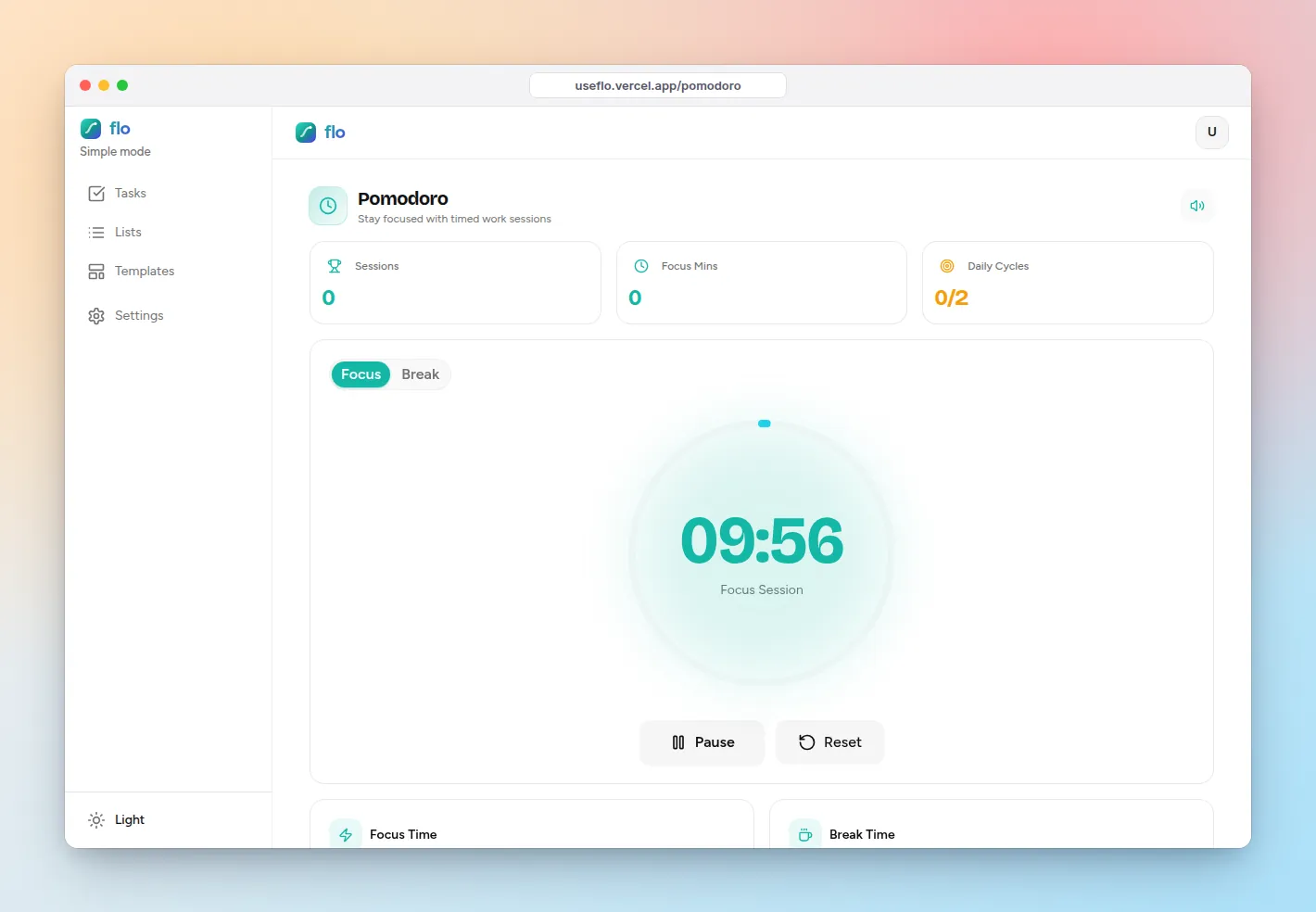
The best to-do app for ADHD: what to look for (and where flo fits)
What makes a to-do app work with ADHD: capture in seconds, smaller first steps, less on screen, quick rewards, and help starting. How flo covers each one, with honest limits.
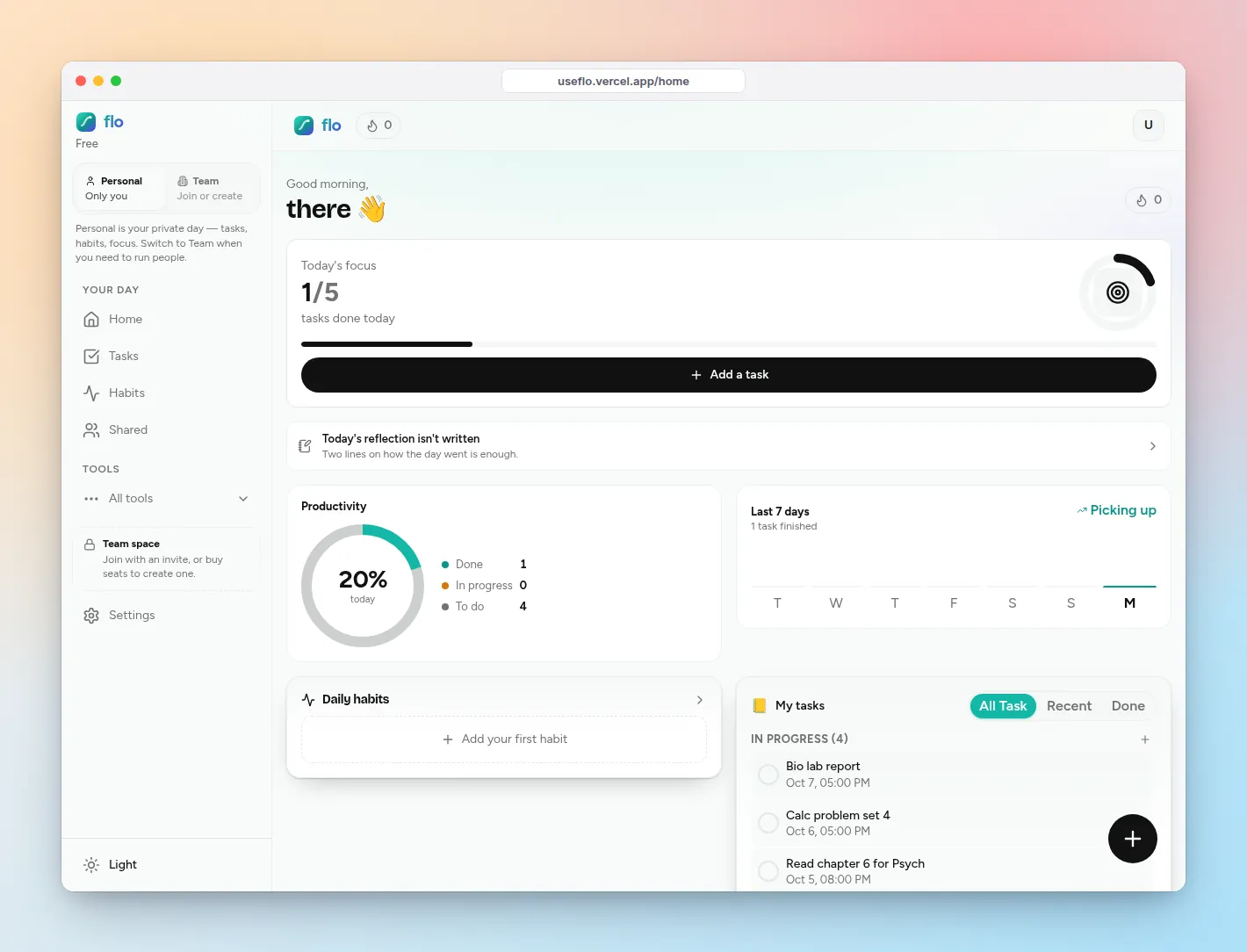
The best to-do list app for students: a study system that survives exam week
What students need from a to-do list app: deadlines per class, study sessions that start on time, daily habits, and friends to keep you honest. A simple setup in flo, plus honest limits.
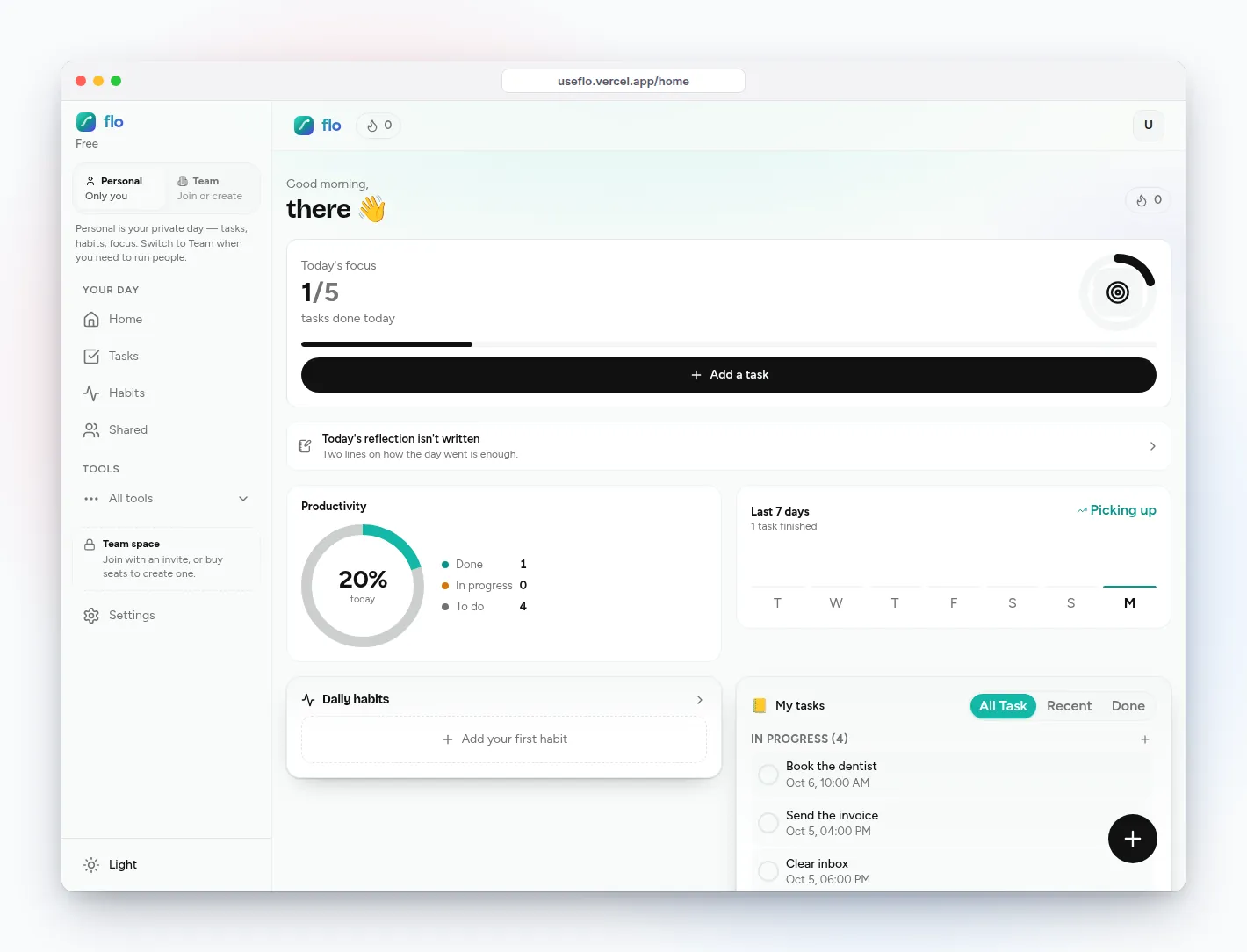
Habit tracker vs to-do list: which one you need (and why you probably need both)
Habit tracker vs to-do list, in one rule: if finishing it makes it disappear, it is a task; if it should come back, it is a habit or a repeating task. How to run both without two apps.
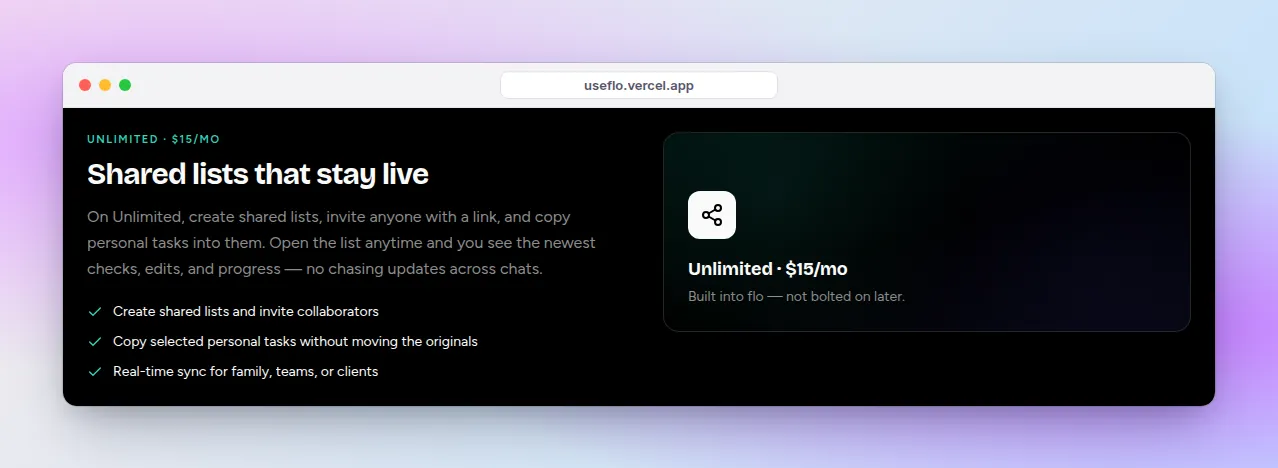
How to set up a shared to-do list with your partner
A shared to-do list for couples that both of you will actually open: one list per area of life, a share link, live updates, and a ten-minute weekly sync. Step by step in flo.
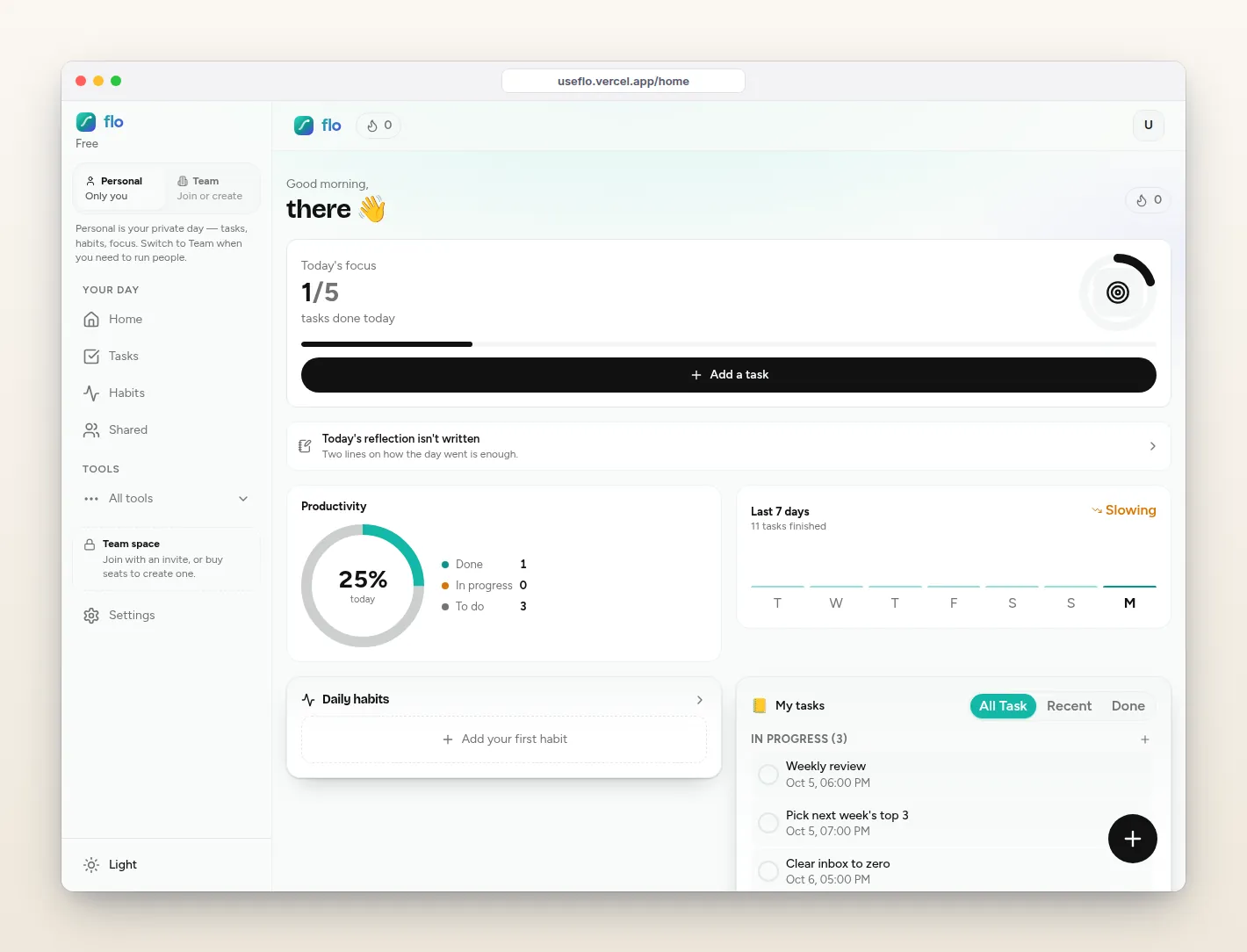
How to do a weekly review in 20 minutes (template included)
A weekly review template that fits in 20 minutes: capture loose ends, review what moved, and pick next week’s top three. With the flo screens that do the counting for you.
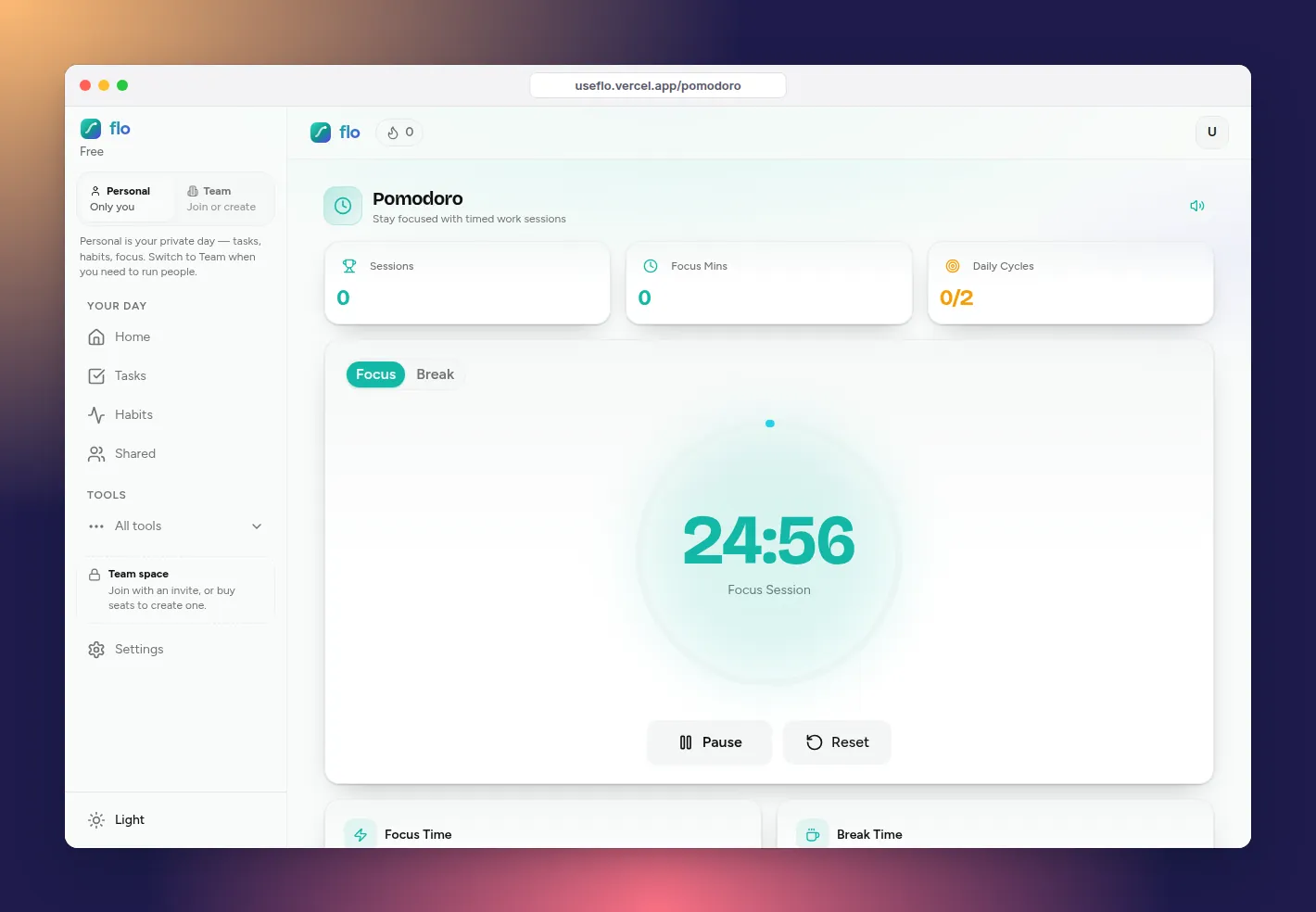
How to use the Pomodoro technique (with a timer that checks off the task)
How to use the Pomodoro technique: pick one task, focus for 25 minutes, break for 5, and take a longer break after four. Plus how flo’s focus timer links a task and checks it off when time is up.
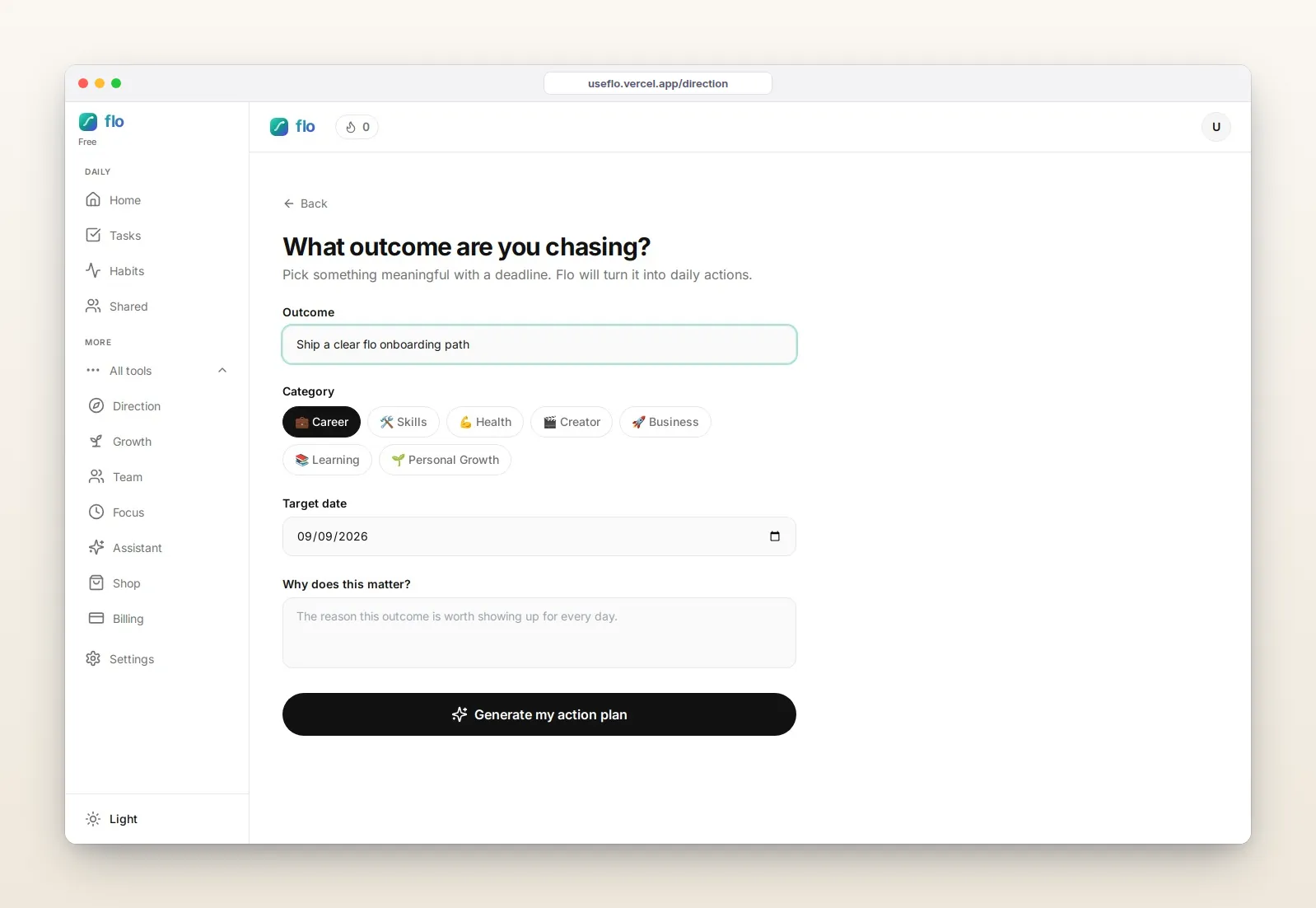
How to track goals (and connect them to today’s tasks)
How to track goals with a simple goal tracking system: yearly intent in Growth, daily weight in Direction, and execution in Tasks.
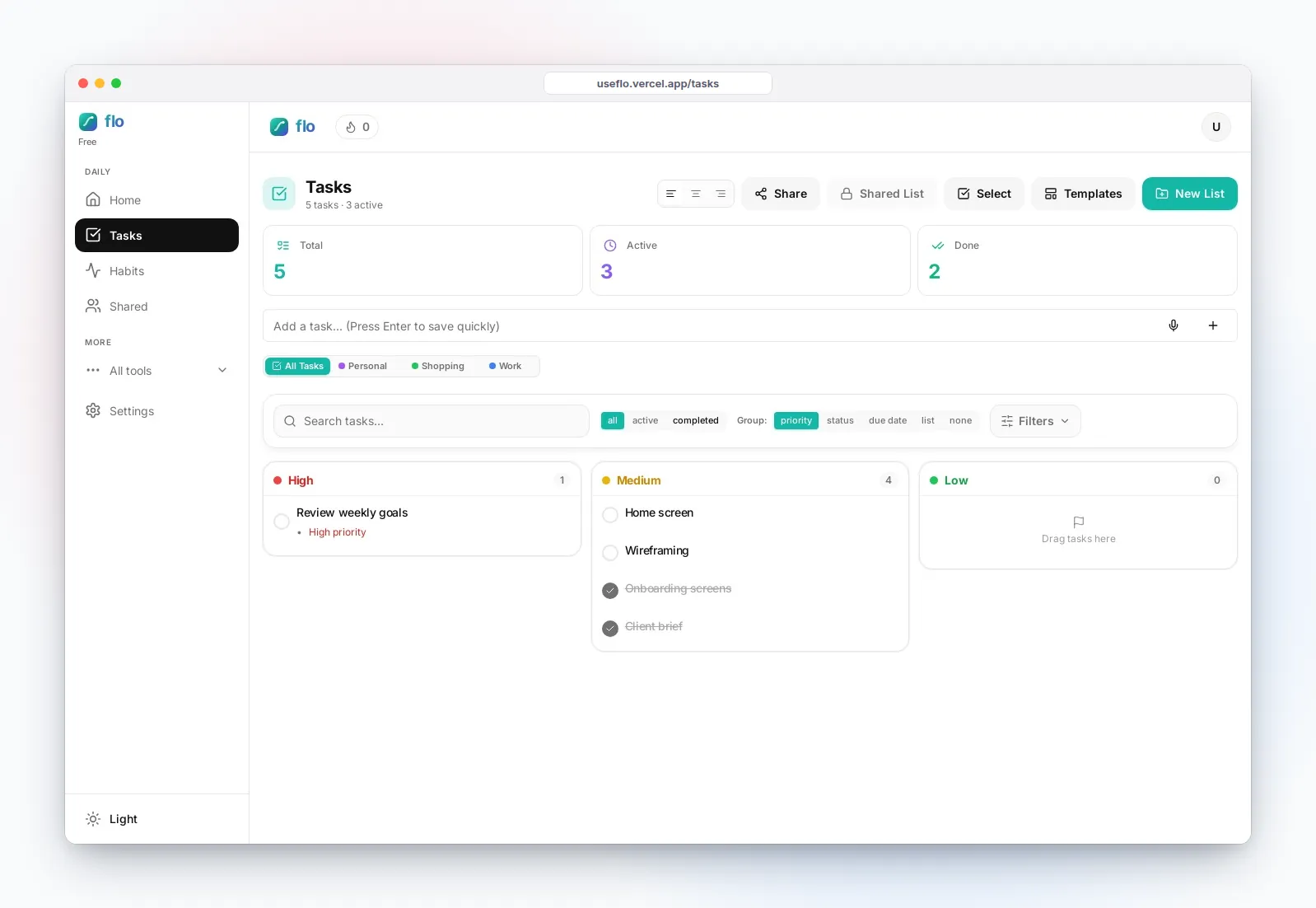
Three productivity workflows that actually stick
A simple productivity workflow for morning triage, deep work, and end-of-day reflection — short loops with Tasks, Pomodoro, and Growth diary.
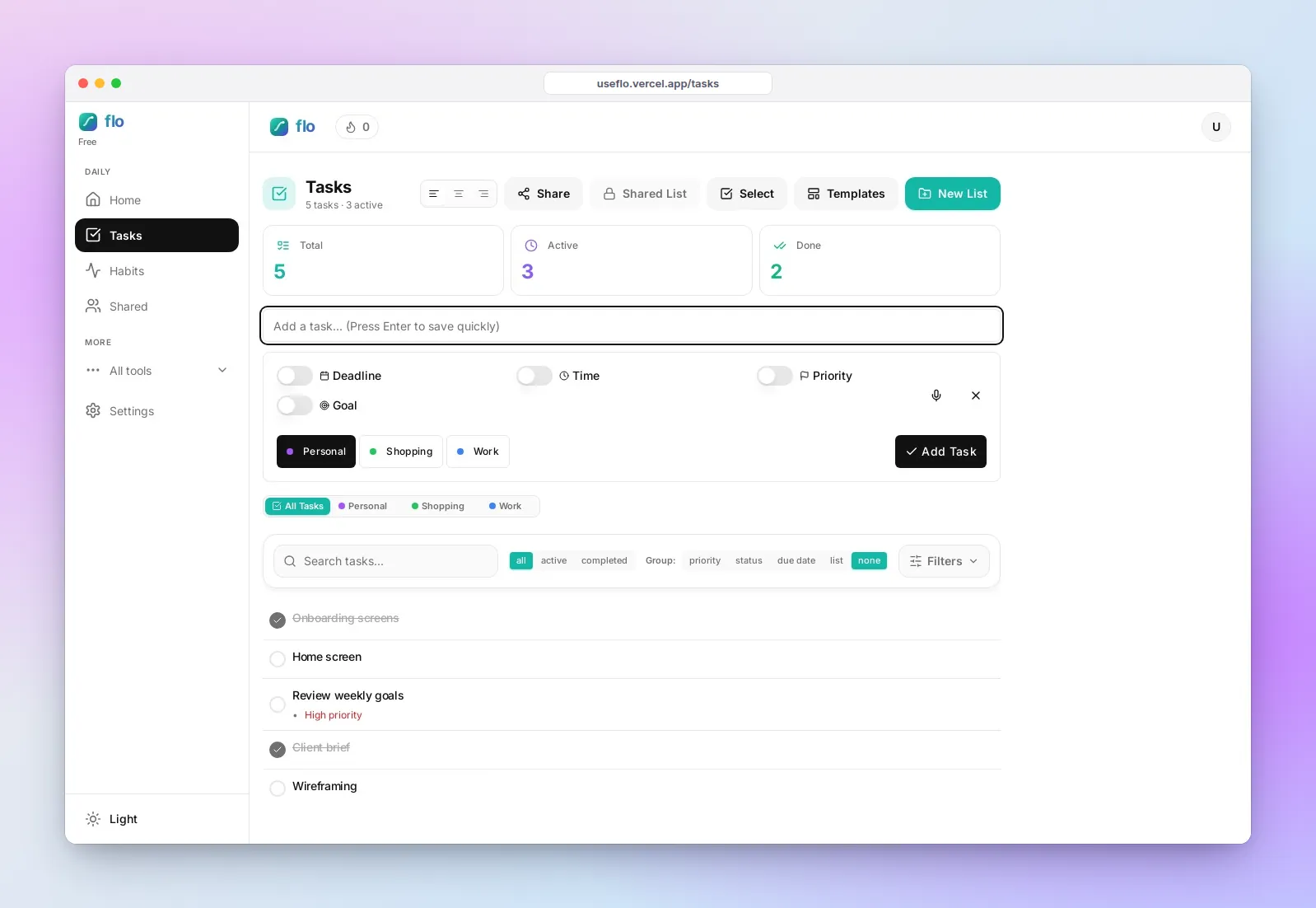
How to manage daily tasks (and recurring work)
How to manage daily tasks and a recurring daily task list that resets on a schedule — 24 hours, weekly, or a custom interval on Pro+.
How to organize tasks without drowning
How to organize tasks with lists, priorities, and a simple board — plus select-to-share when work becomes multiplayer.
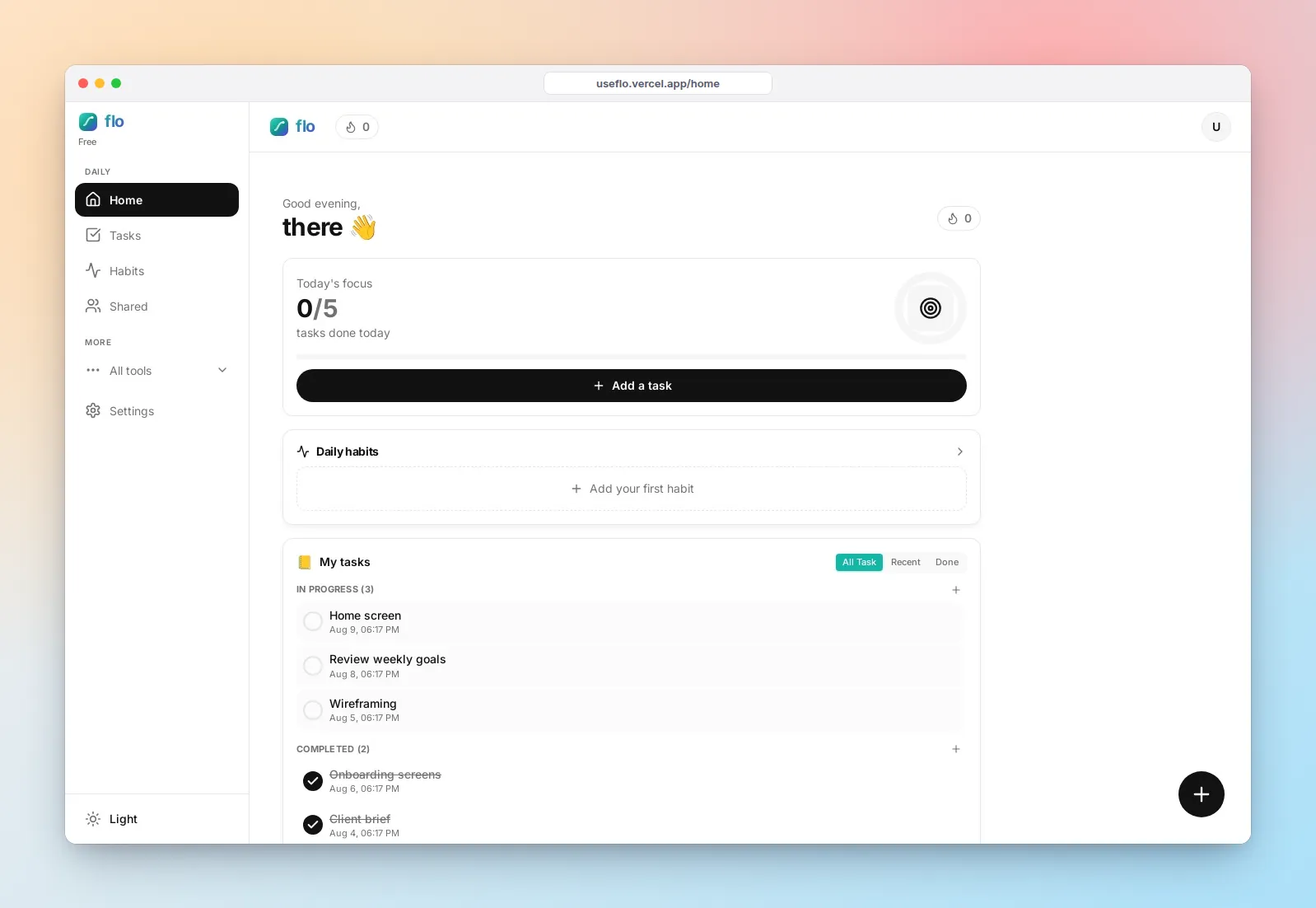
How to set up a productivity system in 10 minutes
How to set up a productivity system fast: sign in, capture tasks, aim them at a Direction outcome, and know when Free, Pro, or Unlimited fits.
Build a personal productivity system that sticks
Build a personal productivity system where shared lists, Growth, Direction, and reflection form one goals-and-tasks workflow — not scattered apps.