How to use the Pomodoro technique (with a timer that checks off the task)
How to use the Pomodoro technique: pick one task, focus for 25 minutes, break for 5, and take a longer break after four. Plus how flo’s focus timer links a task and checks it off when time is up.
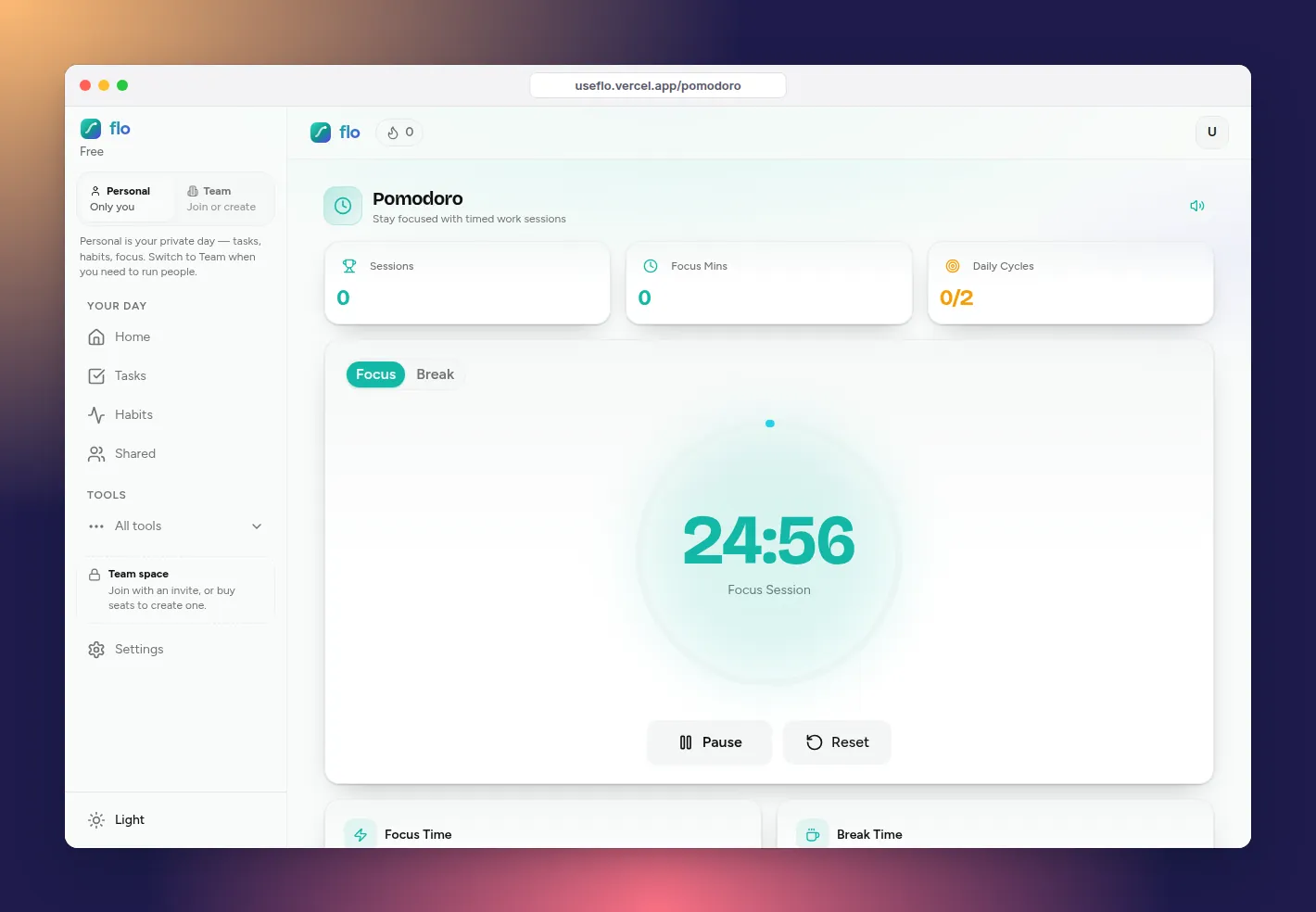
The Pomodoro technique is the simplest focus method there is: pick one task, work on it for 25 minutes, take a 5-minute break, repeat. It works because a short, fixed session is easier to start than an open-ended one, and a planned break is easier to come back from than a random one.
Here is how to run it properly, which session lengths to try, and how flo’s focus timer connects the session to the task so finishing the timer also finishes the work.
The technique in five steps
- Pick one task. Not a project, a task.
- Set a 25-minute focus timer.
- Work only on that task until the timer rings. New thoughts go on the list, not into a new tab.
- Take a 5-minute break away from the screen.
- After four focus sessions, take a longer break of 15 to 30 minutes.
Run it in flo
Open Focus and set your lengths
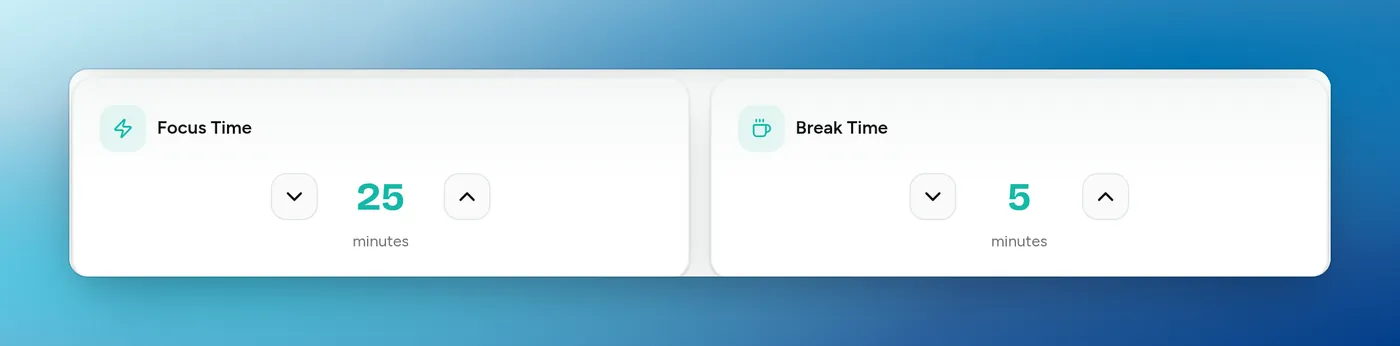
Open Focus from the sidebar. Set Focus Time anywhere from 1 to 60 minutes and Break Time from 1 to 30. flo starts from the defaults in your Settings, 25 and 5 unless you change them.
Link the task you are about to do
Search for a task from your personal or shared lists and link it. When the focus session ends, flo marks that task complete and tells you so. Link something you expect to finish in this session. For bigger work, link the next concrete piece, like “outline section 2”.
Turn on notifications and sound
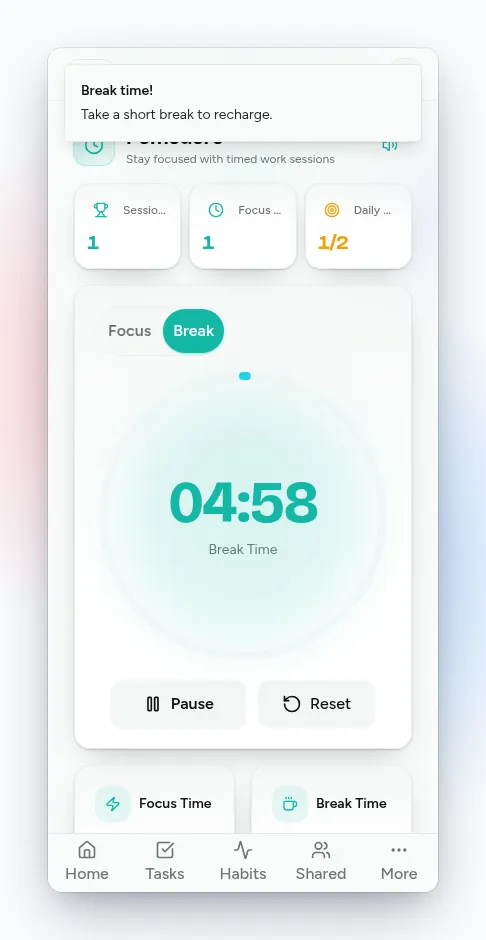
Allow browser notifications when asked. flo plays a sound and sends a notification when focus ends (“Break time!”) and when the break ends. The speaker button at the top mutes it.
Start, then take the break seriously
Press Start. When it rings, flo switches to the break. Stand up, get water, look out a window. The break is part of the method, not a reward you can skip.
Watch the counters, not the clock
The top of the page counts today’s Sessions, Focus Mins and Daily Cycles. Each finished focus session also earns XP. A good day is a number of sessions, not a number of hours.
Which session length to use
- 25 / 5: the classic. Start here.
- 10 / 2: for days when starting is the whole problem. Short enough that you cannot argue with it.
- 50 / 10: for deep work you are already into, like writing or coding.
- Whatever you choose, keep it the same for a week before judging it.
Honest limits
- The Free plan allows 2 focus cycles a day. Paid plans raise that limit.
- flo’s timer does not block other apps or websites. If you need hard blocking, run a site blocker alongside it.
- A linked task is checked off when the session ends, so do not link a task you will need three sessions for.
FAQ: the Pomodoro technique
Does the Pomodoro technique work for ADHD?
Many people with ADHD find short sessions help with starting. Try 10 or 15 minutes first and lengthen only if it feels easy. It is a tool, not a treatment.
What do I do when I get interrupted?
If it can wait, add it to Tasks and keep going. If it cannot, reset the timer and start a fresh session afterwards. A broken session does not count, and that is fine.
How many Pomodoros a day is realistic?
It varies a lot by person and by day. Track your sessions for a week and plan from your own number rather than someone else’s.