The best to-do app for ADHD: what to look for (and where flo fits)
What makes a to-do app work with ADHD: capture in seconds, smaller first steps, less on screen, quick rewards, and help starting. How flo covers each one, with honest limits.
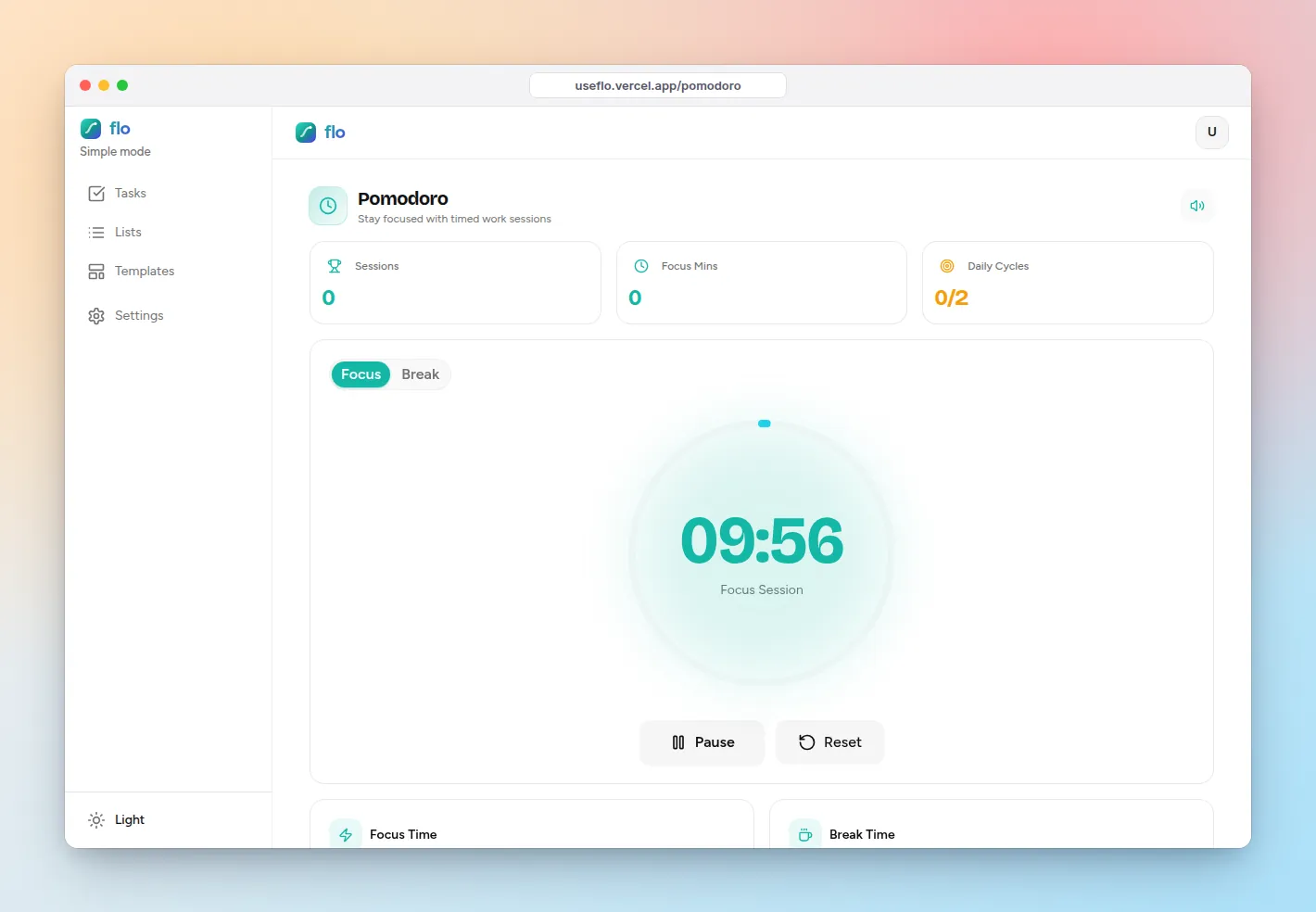
If you are searching for the best to-do app for ADHD, you have probably tried a few already. The list itself is rarely the problem. Most apps add friction in exactly the places ADHD makes hard: getting the thought out of your head, starting, and staying interested past day four.
This guide lists the five things worth looking for, shows how flo handles each one, and is clear about where a different tool is the better pick for a narrow need.
What an ADHD-friendly to-do app needs
- Capture in seconds. If adding a task takes more than one breath, the thought is gone.
- A smaller first step. Big, vague tasks stall. The app should help you get to something you can start right now.
- Less on the screen. Every extra panel is something else to look at instead of the task.
- A reward for finishing, right away. Not a weekly report, but a small hit the moment you check something off.
- Help starting. A timer, a friend, anything that turns “later” into “for the next ten minutes”.
How flo handles each one
Capture: type, dictate, or dump everything at once
The Quick Add row on Tasks saves on Enter, so you can type the next thing straight away. Where your browser supports speech input, the mic button lets you say the task instead. For a messy brain dump, use Structure with AI: paste something like “call the dentist tomorrow, finish the deck for monday (urgent), groceries tonight, gym every day” and flo splits it into separate tasks with priorities, dates and repeats for you to tidy before adding.
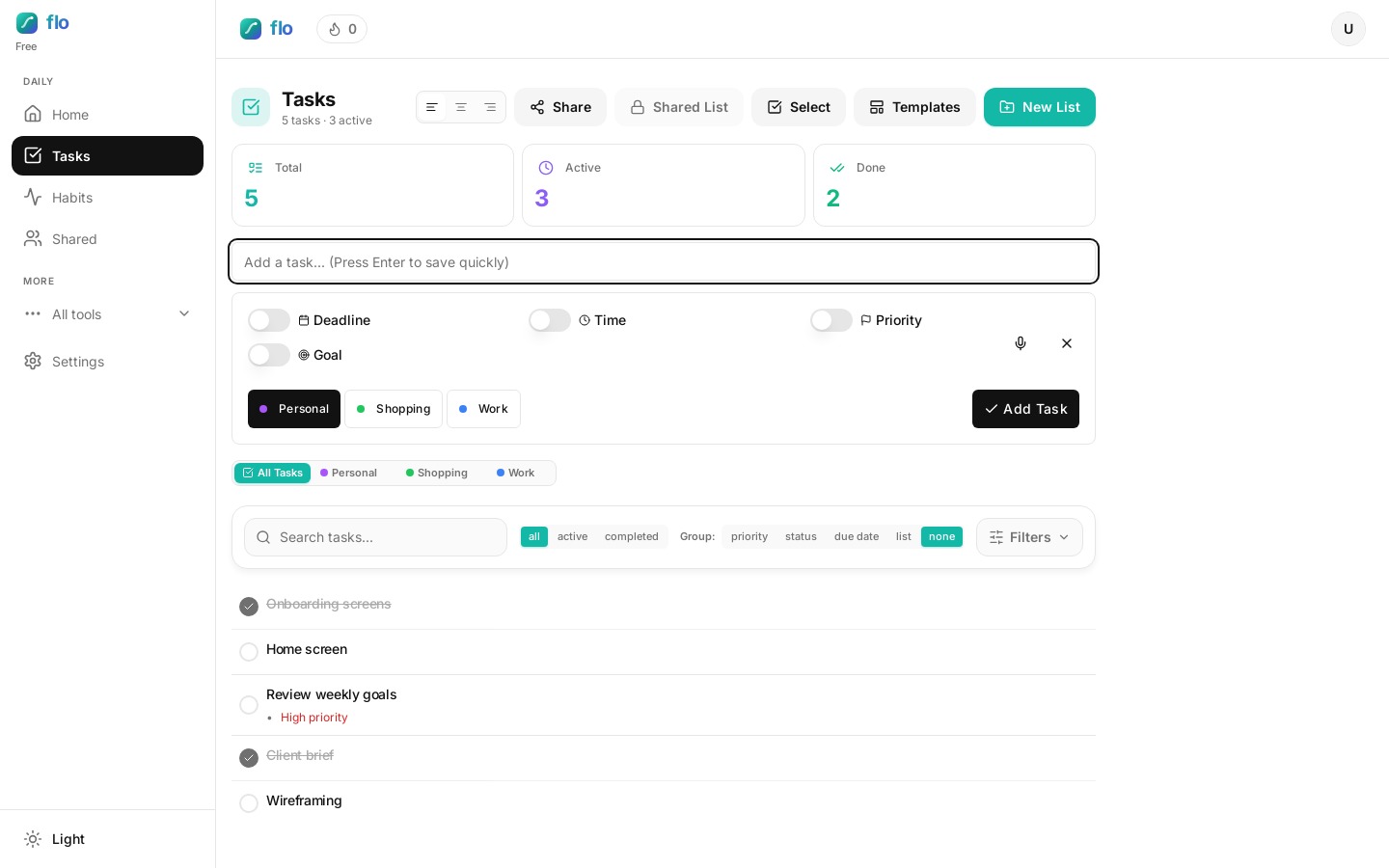
Smaller steps: let the structure do the splitting
Structure with AI suggests subtasks along with each task, so “finish the deck” can arrive as a few concrete steps. If AI is not available (no credits, offline), flo falls back to simpler local parsing and says which one ran. Either way, edit before you add. The goal is a first step you could start in the next five minutes.
Less on screen: turn on Simple mode
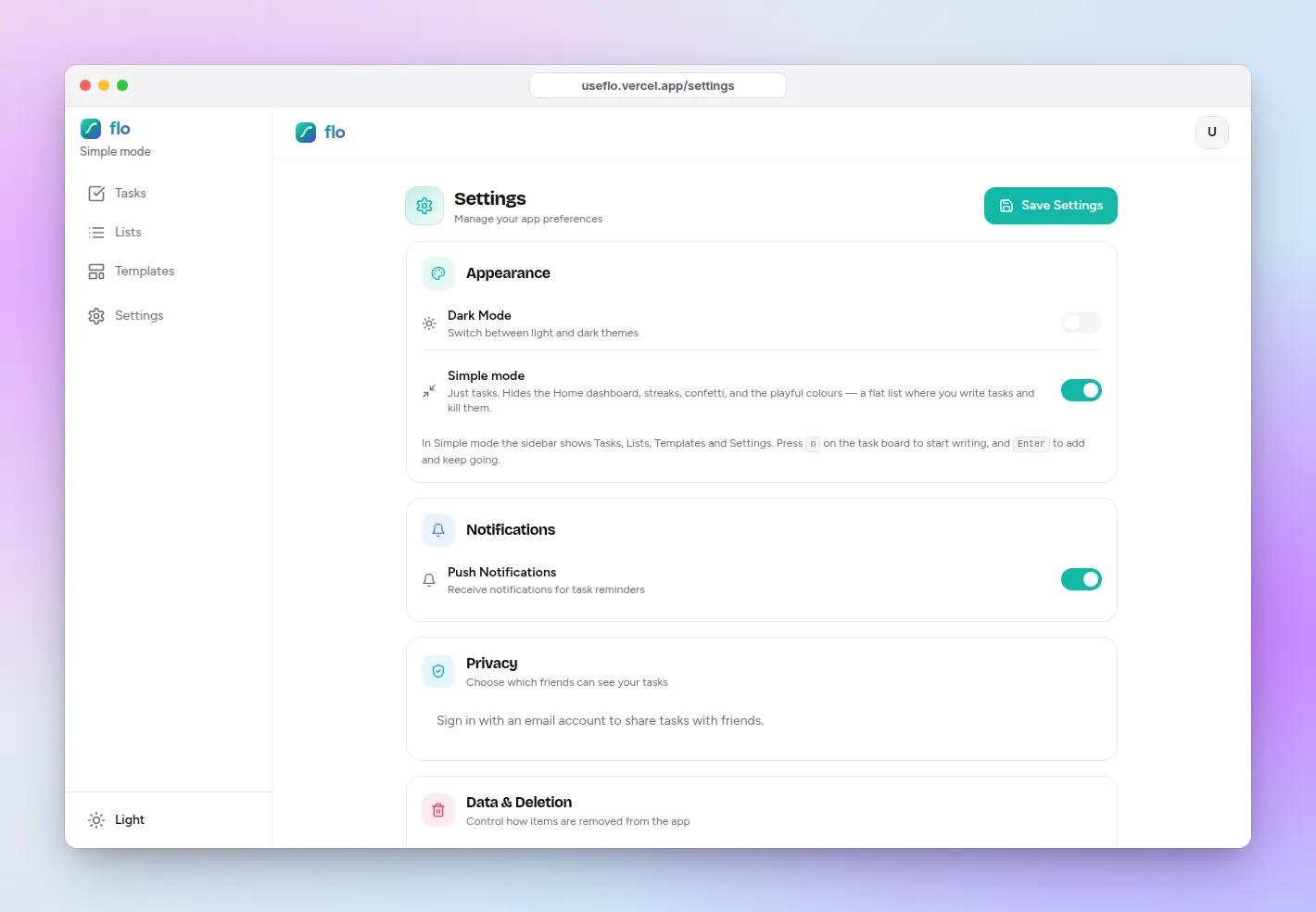
In Settings, switch on Simple mode. The sidebar shrinks to Tasks, Lists, Templates and Settings, and the Home dashboard and game layer step aside. On the task board, press n to start writing and Enter to add and keep going. Example: on a bad-focus day, Simple mode plus three tasks is the whole app.
Rewards: a small win on every check-off
Completing a task plays a short celebration and earns XP, and higher-priority tasks earn more. Habits keep a streak, so ticking “take meds” or “walk 10 minutes” has a visible number attached. Keep it light: the reward is there to make the next check-off feel worth it, not to become the goal.
Starting: a timer that finishes the task for you
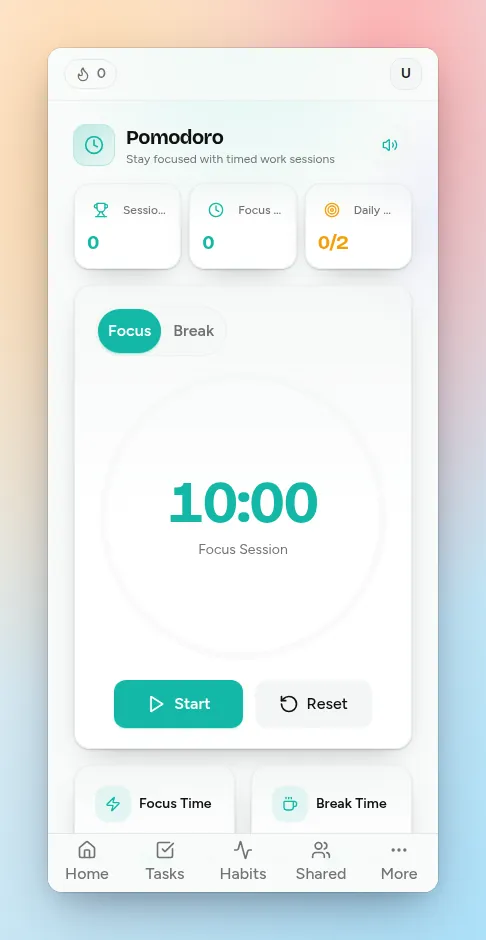
Open Focus, set the session as short as one minute, and link the task you are about to do. When the focus timer ends, flo checks that task off automatically. “Just ten minutes on the email” is a much smaller ask than “do the email”.
Accountability: let one friend see your list
Compete lets you add friends, see a weekly leaderboard, and send a one-tap cheer. Your tasks stay private unless you choose otherwise: in Settings, under who can see your tasks, you can switch on one specific friend. Example: a study buddy who can see you ticked “submit lab report” is often more motivating than any reminder.
Honest limits
- The Free plan holds up to 3 tasks and 1 habit. That is enough to try the loop, not to run a week. Pro raises it to 40 tasks and 8 habits; Unlimited removes the caps. There is also a 1-day free trial of everything, with no card.
- There is no hour-by-hour visual timeline. The Calendar shows tasks by date in week and month views, not as blocks on a clock.
- Structure with AI and the Assistant use AI credits. Without credits you still get the local parser, which is simpler.
- Compete and task sharing need a sign-in with an email account.
When another app is the narrower fit
- Choose a visual timeline planner such as Tiimo if what you need most is an hour-by-hour picture of the day with icons and countdowns.
- Choose Focusmate if you specifically need a live person on video while you work (body doubling). flo’s accountability happens asynchronously, through friends who can see your progress.
- Choose Goblin Tools’ Magic ToDo if you only want to break down one scary task and do not want a task list at all.
A five-minute ADHD setup in flo
- Settings → turn on Simple mode.
- Tasks → Structure with AI → paste everything in your head. Delete what is not real.
- Mark at most three tasks High. Leave the rest alone.
- Focus → set 10 minutes → link the first High task → Start.
- When it ends, stop or go again. Both count.
FAQ: to-do apps for ADHD
Is flo built specifically for ADHD?
No. flo is a general to-do, habit and focus app. It fits well because the things ADHD users ask for (fast capture, a stripped-down mode, instant rewards, a timer that links to a task) are all built in, in one place.
Is there a free to-do app for ADHD?
flo has a Free plan and a 1-day trial of every feature without a card. The Free plan’s 3-task cap is tight on purpose, so treat it as a test drive. If it sticks, Pro is the plan most solo users need.
What if I always abandon apps after a week?
Make the app smaller, not stricter. Simple mode, three tasks, one habit. If you reopen it tomorrow without rebuilding anything, it is working. Add features only when a real friction shows up.