Habit tracker vs to-do list: which one you need (and why you probably need both)
Habit tracker vs to-do list, in one rule: if finishing it makes it disappear, it is a task; if it should come back, it is a habit or a repeating task. How to run both without two apps.
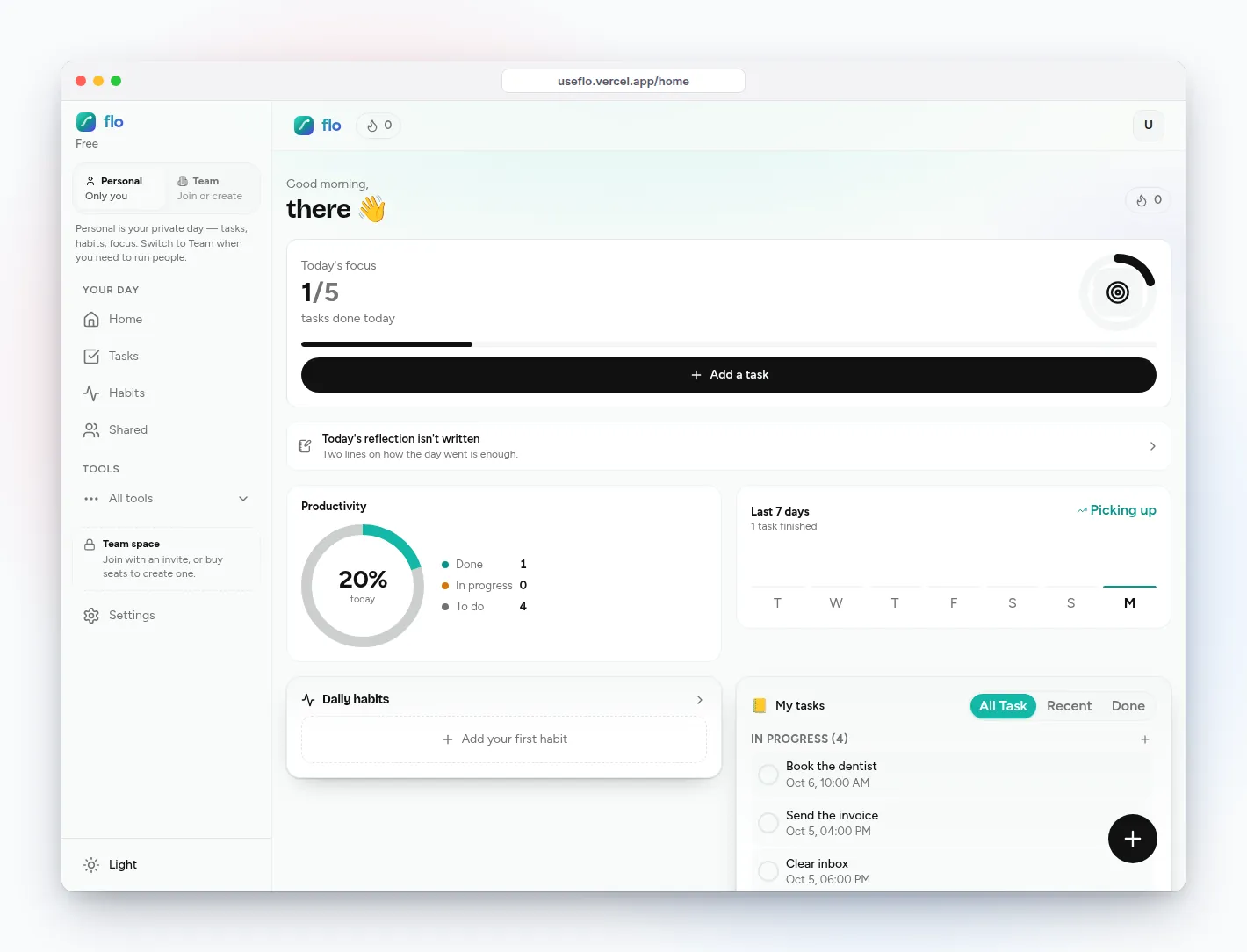
Habit tracker vs to-do list sounds like a choice between two apps. It is really a question about each item: does it end, or does it repeat? Mix the two up and both systems get worse. Your to-do list fills with “drink water” forever, and your habit tracker fills with one-off errands you can never streak.
Here is the rule, the three kinds of items most people have, and how to keep them side by side in flo.
The one rule
Three kinds of items, three places
- One-off tasks: “book the dentist”, “send the invoice”. They have a finish line and often a deadline. They belong on a to-do list.
- Repeating chores: “clear inbox”, “weekly money review”. They are tasks that come back on a schedule. They belong on the to-do list too, but they should reset by themselves.
- Habits: “read 10 pages”, “walk after lunch”. The point is not to finish but to keep going. They belong in a habit tracker with a streak.
How flo keeps all three in one app
One-off work goes in Tasks
Add it with Quick Add, give it a priority and a deadline if missing it costs you something. Check it off and it is done for good.
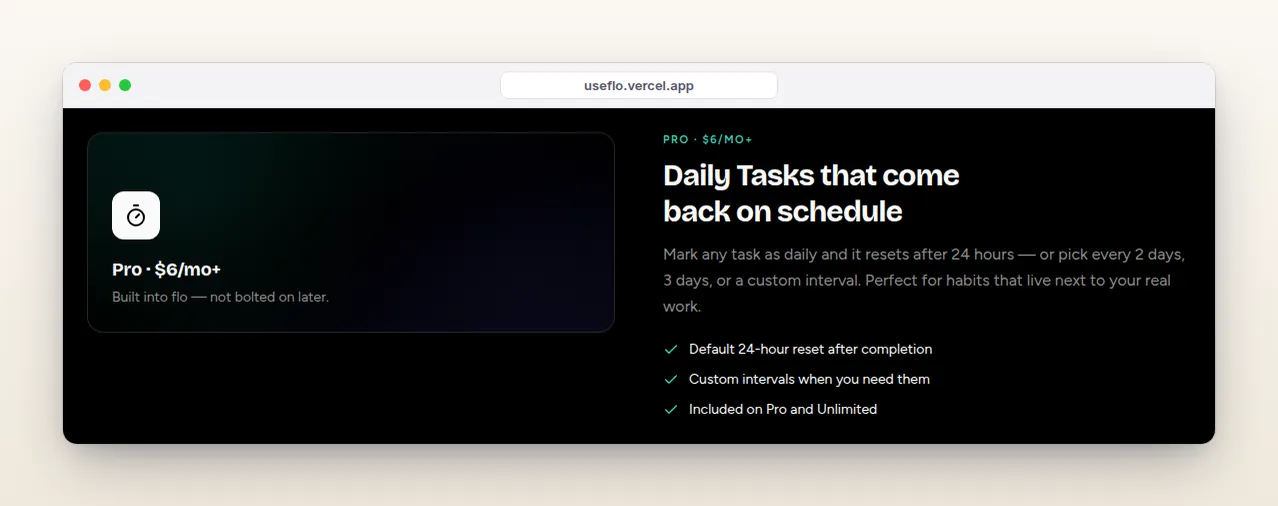
Repeating chores become Daily Tasks
Turn on Daily on the task and pick when it resets: every 24 hours, every 2 or 3 days, weekly, or a custom number of days. After you complete it, flo flips it back to not-done when the interval passes. Daily Tasks are on Pro and above.
Habits go in Habits
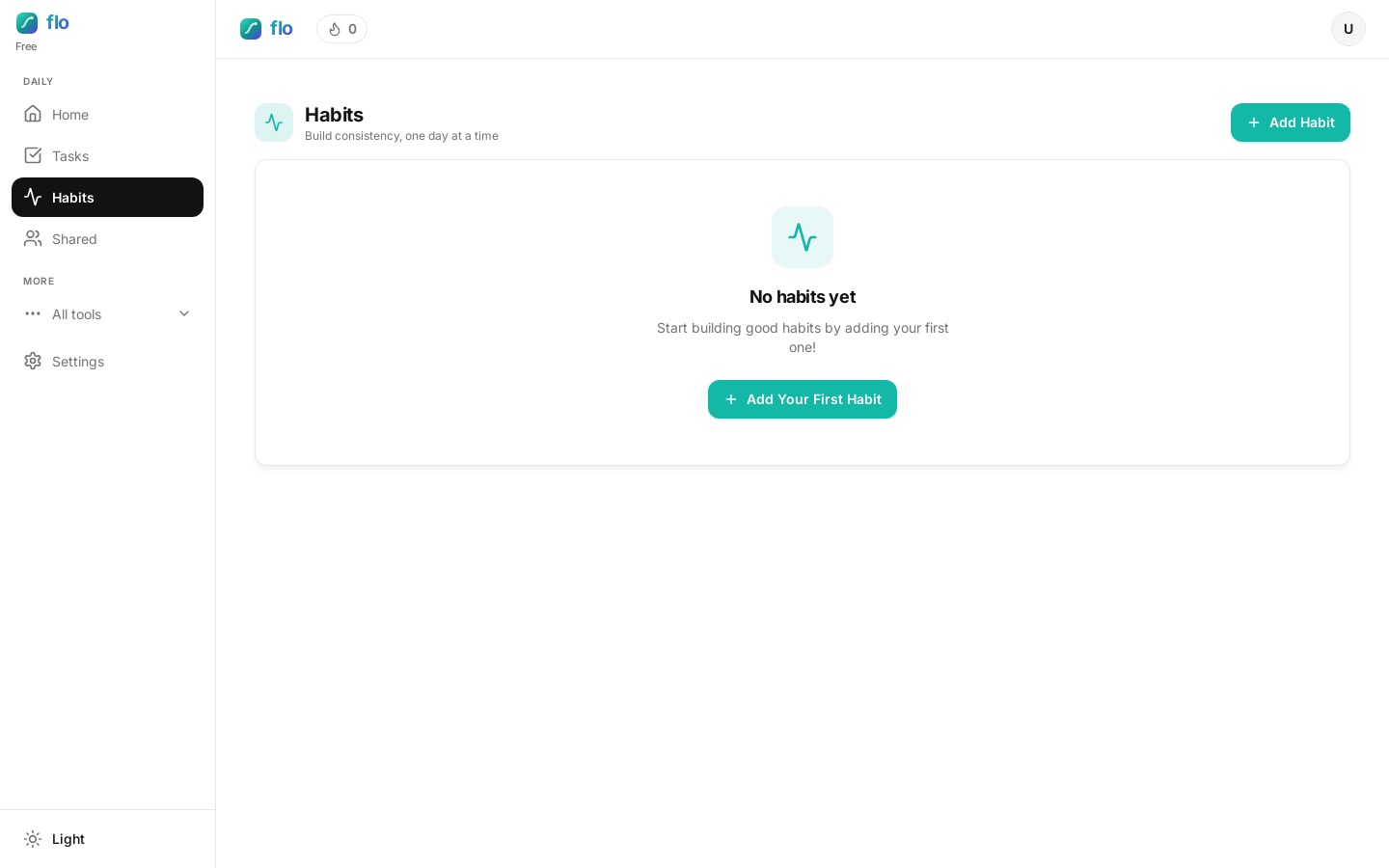
Add a habit with a name, color and icon, then check in each day. flo tracks the current streak, the longest streak, total check-ins, and shows the last seven days at a glance.
See both on Home
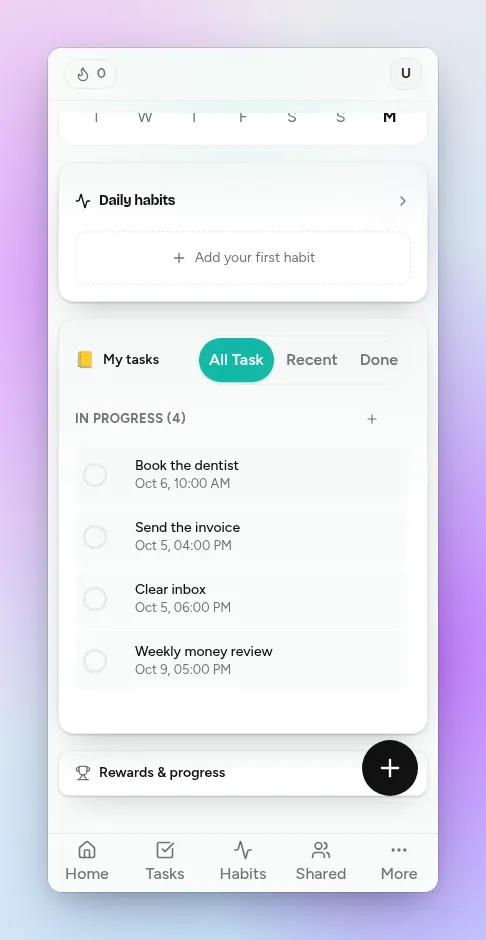
Home puts today’s tasks and your daily habits on one screen, so you do not open two apps to know how the day is going.
Habits that serve a goal go in Direction
When a habit exists to reach an outcome (“land a remote job by March”), create a Direction outcome. flo proposes a few daily actions with weights that add up to 100, and you check them in each day. Free includes one outcome to try it.
Common mistakes
- Putting daily habits on the to-do list. They never leave, so the list never feels finished.
- Turning projects into habits. “Write the thesis” is not a habit; “write 300 words” is.
- Tracking ten habits on day one. Start with one or two you would be upset to miss.
- Using a habit for something with a deadline. If the date matters, it is a task.
Plan limits
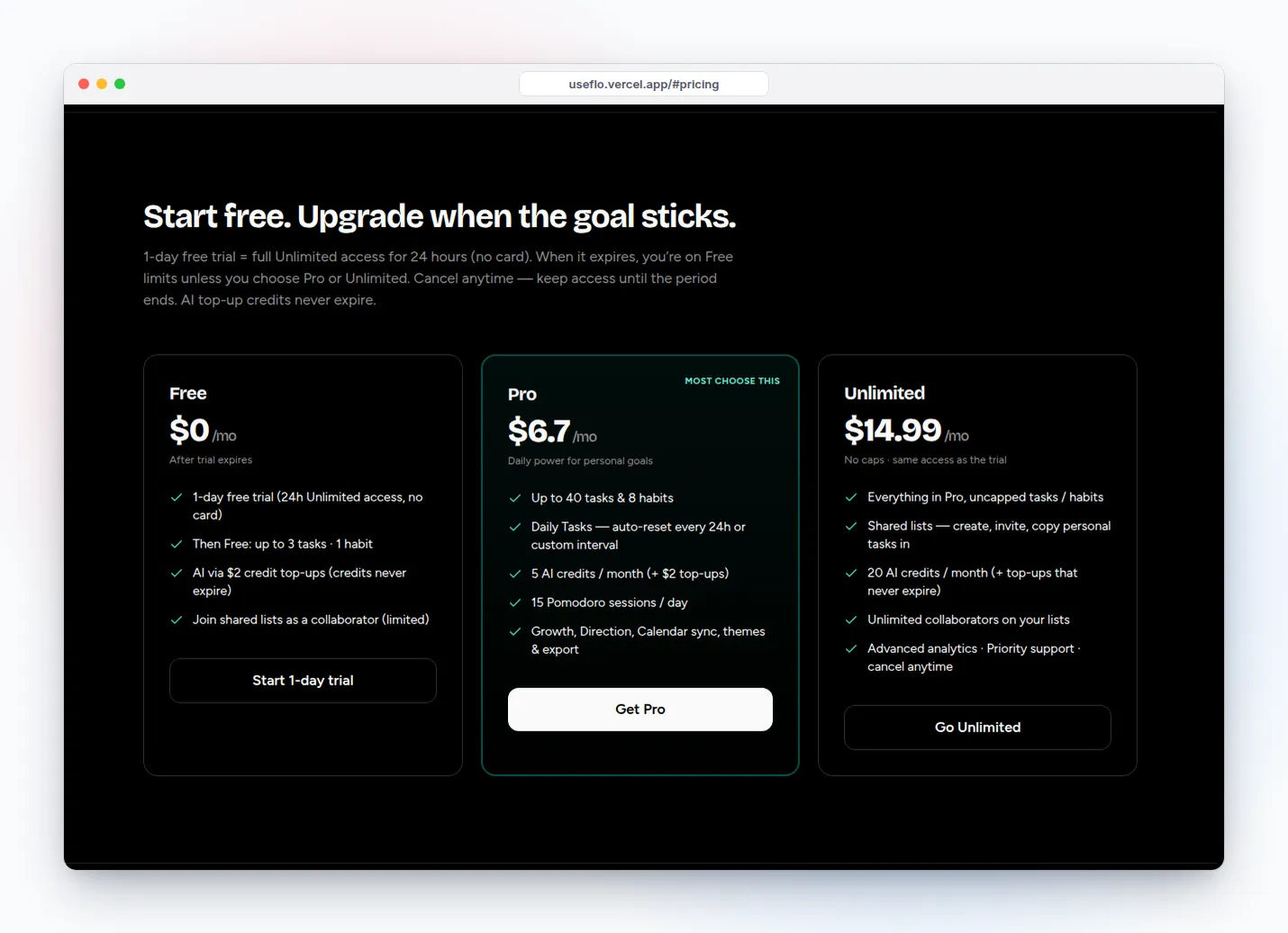
Free includes 1 habit and 3 tasks, enough to see how the split feels. Pro raises that to 8 habits and 40 tasks and adds Daily Tasks. Unlimited removes the caps.
FAQ: habit tracker vs to-do list
Can a to-do list work as a habit tracker?
Only roughly. A to-do list can repeat an item, but it does not show a streak or your last seven days, which is what makes a habit feel worth keeping. Use repeating tasks for chores and a habit tracker for habits.
Is a Daily Task the same as a habit?
No. A Daily Task is a chore that comes back on a schedule. A habit is a behavior you want to become automatic, and it keeps a streak. “Take out the recycling” is a Daily Task; “stretch for five minutes” is a habit.
Do I need two apps?
No. You need two places, not two apps. In flo, Tasks and Habits are separate pages that meet on Home.