The best to-do list app for students: a study system that survives exam week
What students need from a to-do list app: deadlines per class, study sessions that start on time, daily habits, and friends to keep you honest. A simple setup in flo, plus honest limits.
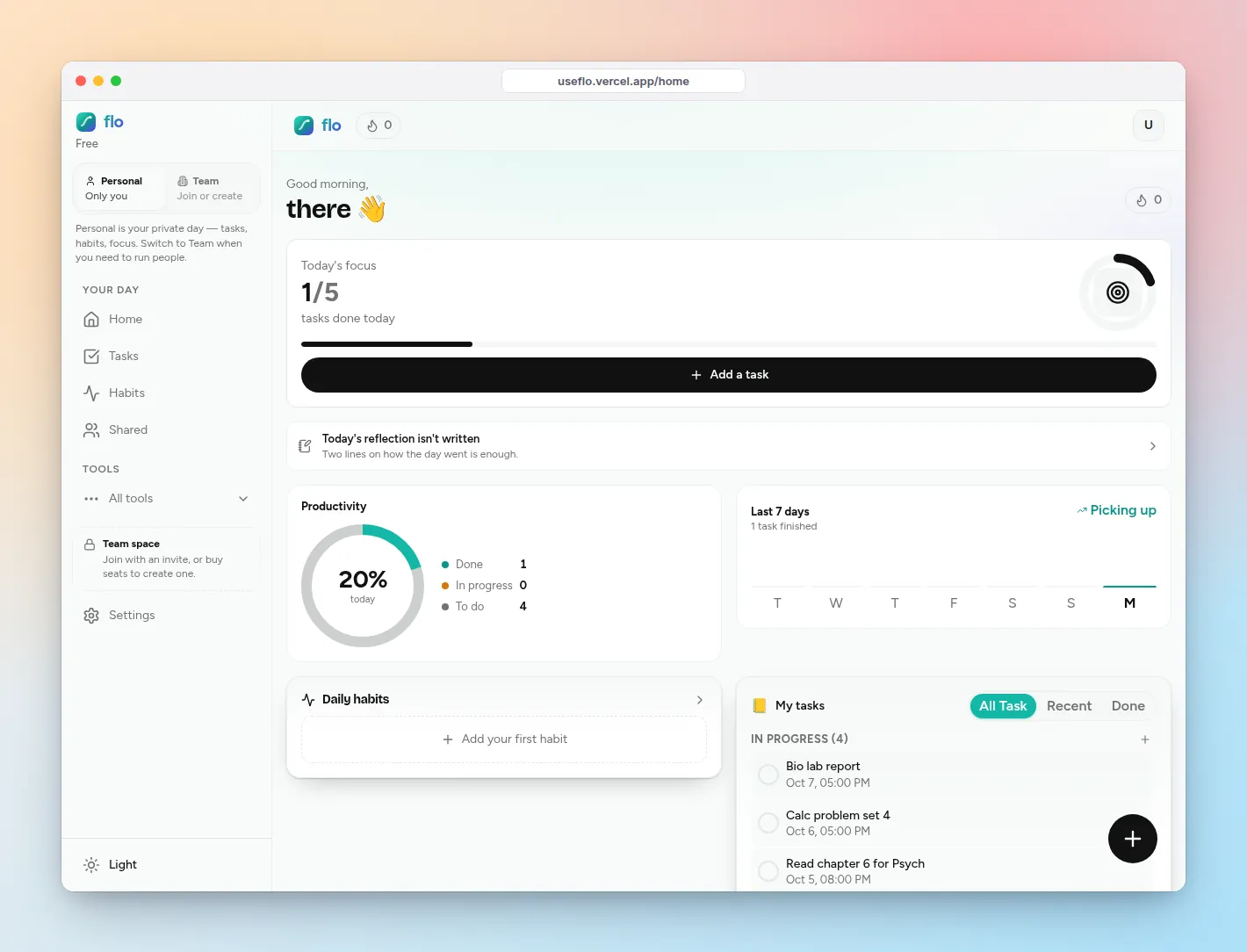
The best to-do list app for students is not the one with the most features. It is the one that still works in exam week, when you have four deadlines, two group projects, and no time to maintain a system.
A student to-do list has to do four jobs: hold deadlines per class, turn “study for bio” into a session you actually start, keep daily habits alive, and give you a reason to show up. Here is how to set that up in flo in about fifteen minutes.
What a student to-do list app needs
- Lists per class, so you can look at one subject without the rest shouting.
- Deadlines and priorities that sort the week for you.
- A way to turn “study” into a concrete session with a start and an end.
- Habits for the small daily things (reading, flashcards, sleep) that decide the grade.
- Friends. Studying is easier when someone else can see you showed up.
Set it up in flo
Make one list per class
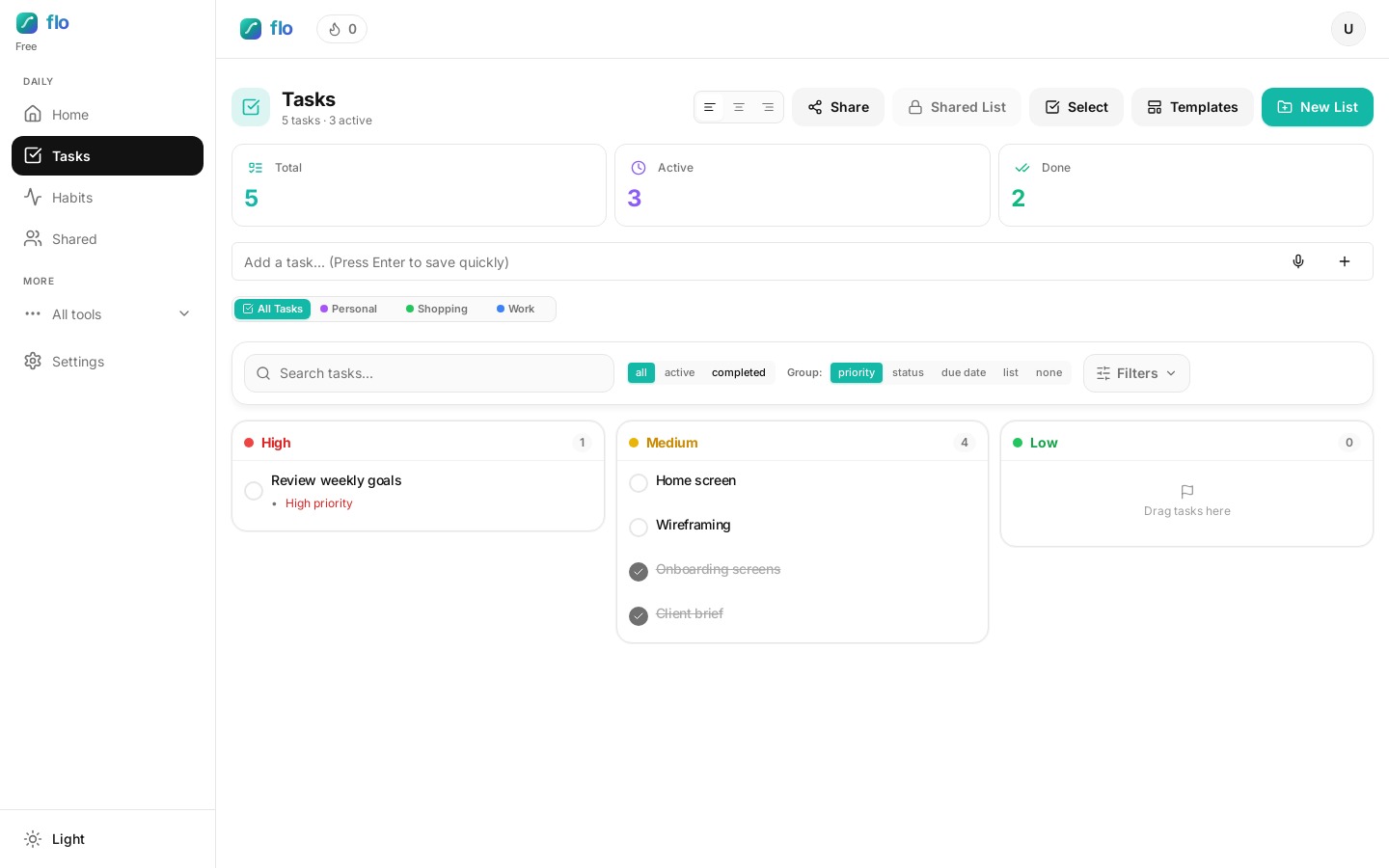
On Tasks, create a list for each course, plus one Personal list. Keep it to the classes you have this term. When you sit down for a subject, filter by that list and everything else disappears.
Add every deadline the day you hear about it
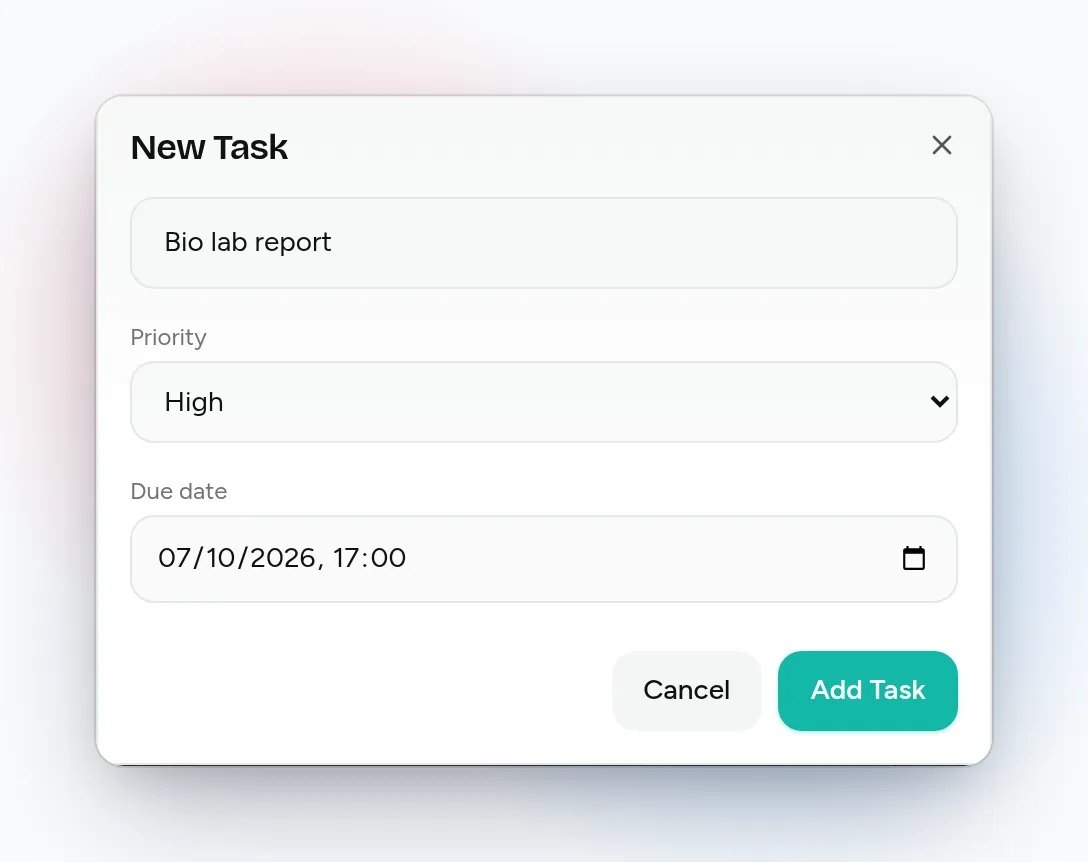
Add the assignment with a deadline and a priority. High is for things due this week or worth a big part of the grade. On the board, group by due date to see the week in order. The Calendar shows the same dated tasks by week or month, which helps when midterms bunch up.
Use the Study Sprint template for real sessions
Templates include a Study Sprint: skim notes and mark confusing bits, active recall from memory, 25 minutes of practice problems or flashcards, teach the idea out loud in two minutes, and schedule a spaced review for tomorrow. Apply it, rename the first task to the topic, and go.
Run the session on the focus timer
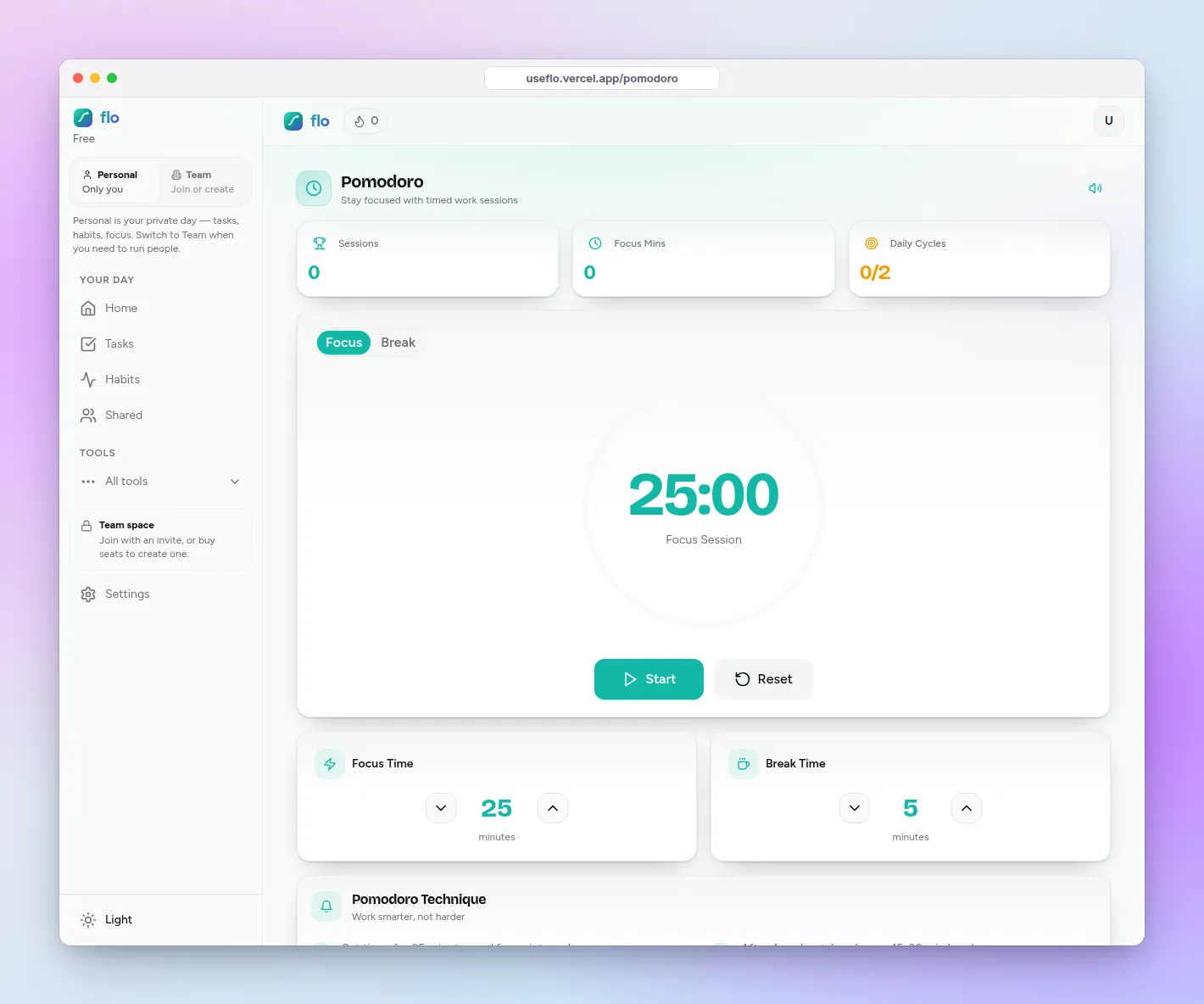
Open Focus, keep 25 minutes or change the length, and link the task you are working on. When the timer ends, flo checks the linked task off and adds the minutes to today’s focus total.
Keep one or two study habits
On Habits, add the daily thing that decides the semester: “20 flashcards” or “read 10 pages”. Check in each day; flo keeps the current and longest streak plus the last seven days. If something repeats on a schedule but is not a habit (weekly problem set), make it a Daily Task with a weekly reset instead (Pro).
Add your study group in Compete
Send friend requests in Compete. You get a weekly leaderboard (it resets every Monday), leagues that follow your level, and one-tap cheers. If a friend wants to check on you, switch them on in Settings so they can see your tasks. Nothing is shared until you do.
Honest limits for students
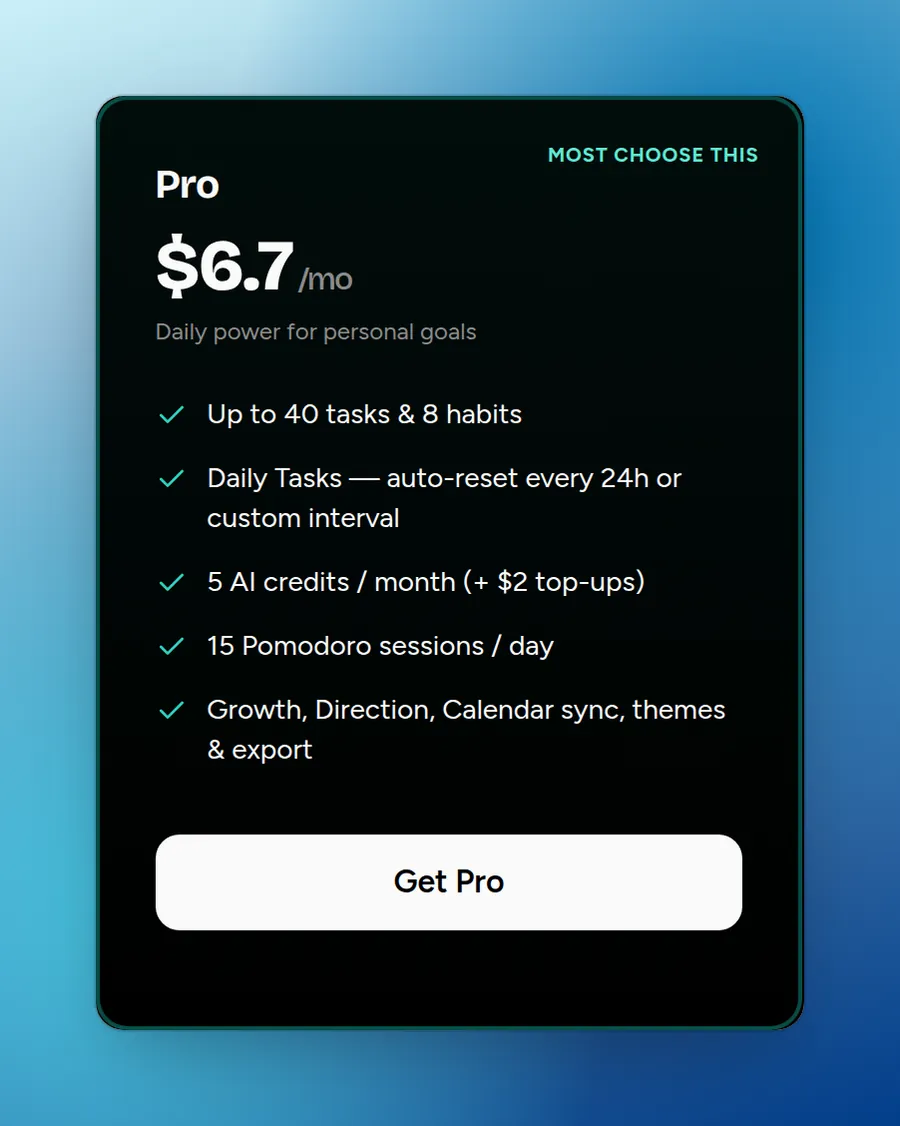
- Free holds 3 tasks and 1 habit, so a five-task template like Study Sprint will not fit on Free. Most students will want Pro (40 tasks, 8 habits, Daily Tasks) after the 1-day free trial.
- flo does not import assignments from school tools like Google Classroom or Canvas. You add deadlines yourself.
- There is no hour-by-hour timetable view; the Calendar shows tasks by date.
When a different app is the narrower fit
- Choose Microsoft To Do if your school runs on Microsoft 365 and you mainly want tasks pulled from flagged Outlook emails.
- Choose Google Tasks if you only need a plain free checklist inside Gmail and Classroom and do not want focus sessions, habits or friends.
FAQ: to-do list apps for students
How should students organize a to-do list?
One list per class, a deadline on every assignment, and at most three High tasks a day. Look at the list by due date during term and by priority in exam week.
Is the Pomodoro technique good for studying?
For many students, yes: a fixed session makes it easier to start and a break makes it easier to continue. Start with 25 minutes and adjust. See our Pomodoro guide for the full routine.
Can I use flo on my phone and laptop?
Yes. flo runs in the browser, and your tasks, habits and focus minutes sync to your account, so a deadline you add on your laptop is on your phone when you leave class.