How to set up a shared to-do list with your partner
A shared to-do list for couples that both of you will actually open: one list per area of life, a share link, live updates, and a ten-minute weekly sync. Step by step in flo.
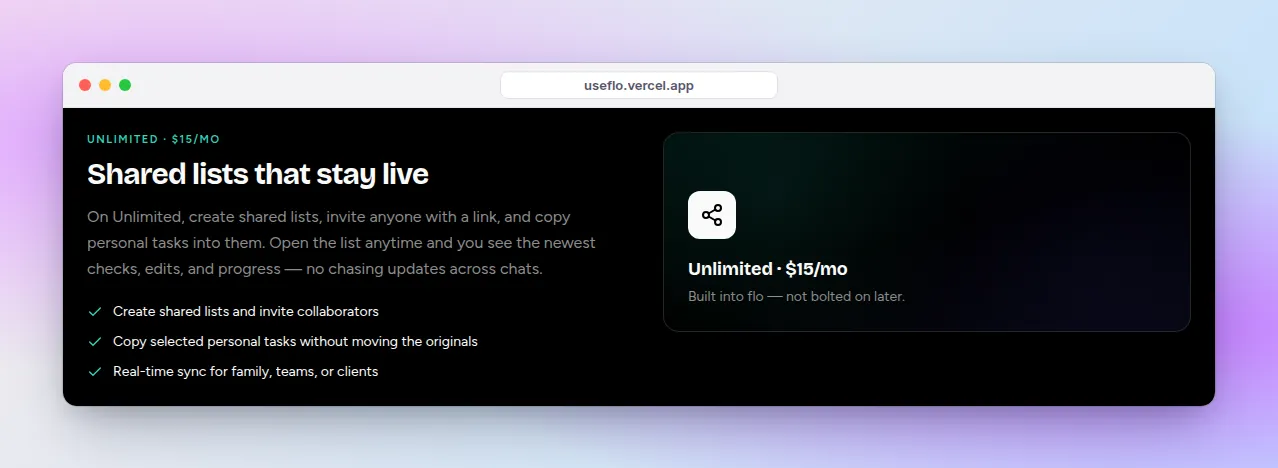
Most couples already have a shared to-do list. It is a group chat, a fridge note, and one person remembering everything. A real shared list moves that load out of one head and into a place you can both see.
This guide sets up a shared to-do list with your partner in flo: how to structure it, how to invite them, what each plan allows, and the weekly habit that keeps it from going stale.
Structure first: lists by area, not by person
Make one shared list per area of life you run together, and keep it to three or four. A list per person turns into a scoreboard. A list per area turns into a plan.
- Home: repairs, cleaning, bills, admin.
- Groceries: the running shopping list.
- Trips and plans: travel, birthdays, things to book.
- Personal stays personal. Your own errands live on your private Tasks.
Set it up in flo
Create the shared list
Open Shared and click New Shared List. Name it after the area (“Home”, “Groceries”). Creating shared lists is part of Unlimited ($15/month), and you can try it during the 1-day free trial.
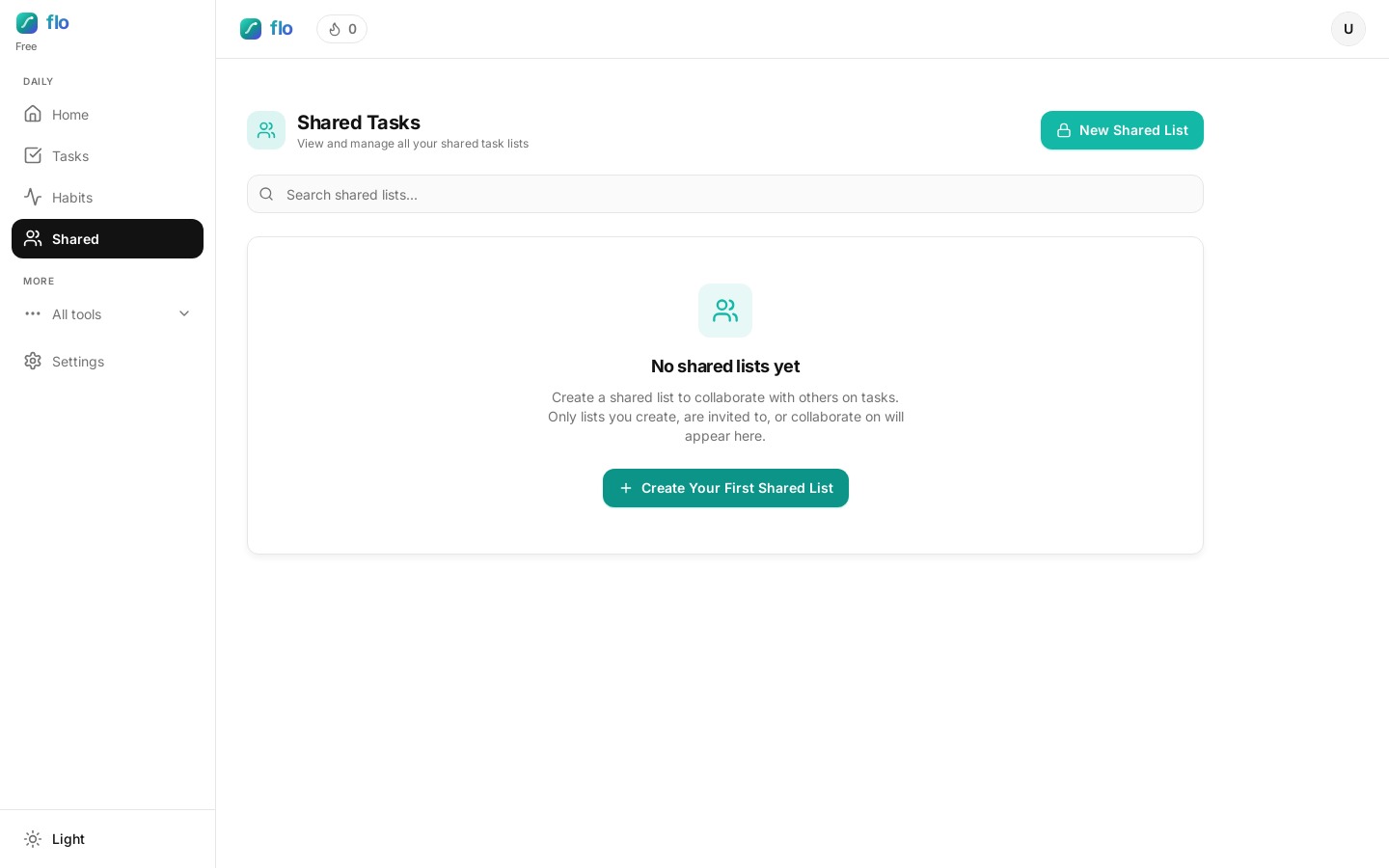
Send your partner the link
Open the share dialog and copy the link. Your partner signs in with Google and lands straight back on the list. No hunting for an invite.
Add, check off, and watch it update live
Both of you can add tasks and check them off, and changes show up for the other person live. Group the list by priority, status, or due date, depending on whether you are planning the week or doing the work.
Move personal tasks in without retyping
On Tasks, use Select to pick items (or a whole personal list) and add them to a shared list. flo copies them, so your private originals stay where they were.
Make ownership obvious in the title
Shared lists do not have a per-task assignee picker, so put a name at the front when it matters: “Sam: call the plumber”, “Priya: renew car insurance”. Leave it off for anything either of you can grab.
What your partner needs
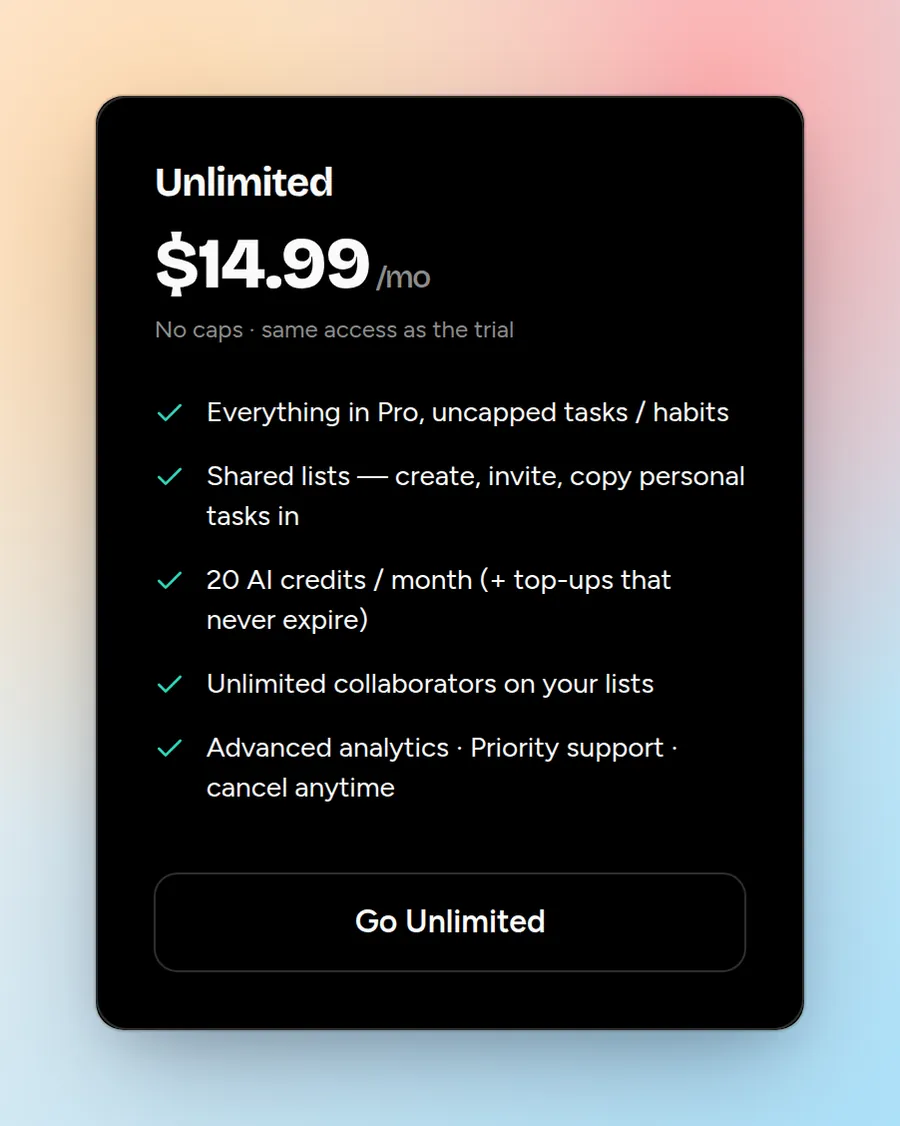
- The list owner needs Unlimited to create shared lists and invite people.
- Your partner can join with a free account. On Free, a collaborator can add a couple of tasks, check off a limited number each day, and edit only the tasks they created.
- For both of you to edit everything freely, your partner needs Pro or above too.
The ten-minute weekly sync
- Sunday evening, open the Home list together.
- Delete anything neither of you will do this month.
- Pick the two or three things that matter this week and mark them High.
- Put a name on anything with a clear owner.
- Glance at Trips and plans for anything that needs booking.
When a different tool is the narrower fit
- Choose a shared list in Apple Reminders if you both use iPhones and only ever need a grocery list. It costs nothing extra.
- Choose a couples calendar app such as Cupla if your real problem is finding time together, not tracking chores.
FAQ: shared to-do lists for couples
Should couples have one shared list or several?
A few, one per area: Home, Groceries, Trips. One giant list buries the grocery run under the boiler repair.
Can my partner see my private tasks?
No. Only lists you share appear under Shared. Your personal Tasks stay private, and copying a task to a shared list leaves the original where it was.
How do we stop one person doing all the planning?
Hold the weekly sync together and take turns adding the week’s High items. The list makes the load visible. The sync makes it shared.